Restaurant management software: one system from the table to your customer’s pocket.
Tables, waiters, kitchen, POS and dashboard are connected; wallet and loyalty share the same customer data, and all your branches sit in one dashboard.

Seven rings, one system.
| Ring | What it should do | In sipnik |
|---|---|---|
| Table | The bill should stay intact when the table changes | Move and merge by drag and drop |
| Waiter | Orders should go into the system, not onto paper | From Android tablet to the bill and the kitchen |
| Kitchen | Orders should reach the right station | Station printer by category |
| POS | Voids and comps should be under control | Manager PIN; who approved is logged |
| Dashboard | Sales should be visible from anywhere | In the browser; PDF and Excel reports |
| Customer | The relationship should continue after the bill | Wallet, stamps, subscriptions, notifications |
| Branches | All should be managed from one place | One dashboard, balance valid at every branch |
When the bill is closed, your customer stays with you.
- Payment up frontThe moment customers top up their wallet, the amount is in your virtual POS.
- Loyalty in their pocketStamps, rewards and birthday treats are applied automatically at the POS.
- Win back lapsed guestsReach those who haven’t visited in a while, in your brand’s name.
- Recipe-based stockEach item sold is deducted from stock by its recipe; low margins are flagged.
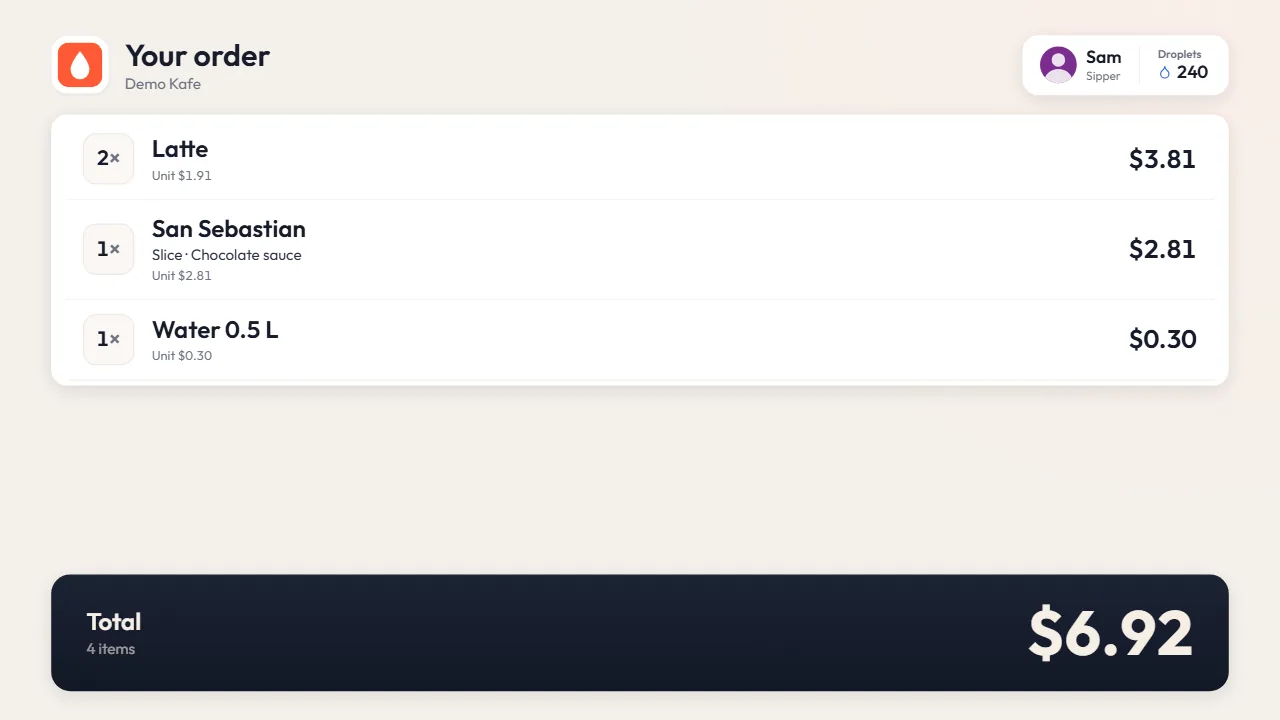
From the first service, in your dashboard.
- 1Let’s talkWe discuss your dining room, kitchen and branches.
- 2Menu and table planWe import your menu and set up your table plan and printers.
- 3Team trainingWe train your cashiers, waiters and kitchen staff.
- 4Service and dashboardSales, cash and customer data are in your dashboard from day one.
What is restaurant management software?
Restaurant management software runs tables, waiters, kitchen and POS in one system. sipnik adds a dashboard, reports, and a wallet and loyalty program in your customer’s pocket.
When separate programs don’t talk to each other, orders are entered twice, reports are fragmented and customers go unrecognized. A good restaurant management system brings everything together, from the dining room to the kitchen and from the POS to the reports. When choosing all-in-one restaurant software, compare it against the seven rings above.
Tables, waiters and kitchen: the first ring.
Restaurant management starts at the table; the bill opens straight from the table plan.
- Waiter and QR on the same billThe waiter takes the order on a tablet or the customer orders from the QR menu; both land on the same bill.
- Tickets at the right stationKitchen tickets print at the right station’s printer. Ready-made items don’t keep the kitchen busy.
- Kitchen display if you wantOrders appear in the order they arrive; ready ones are marked.
- Customers track on their phoneReceived, preparing, ready; with permission, they get a "your order is ready" notification even with the screen off.
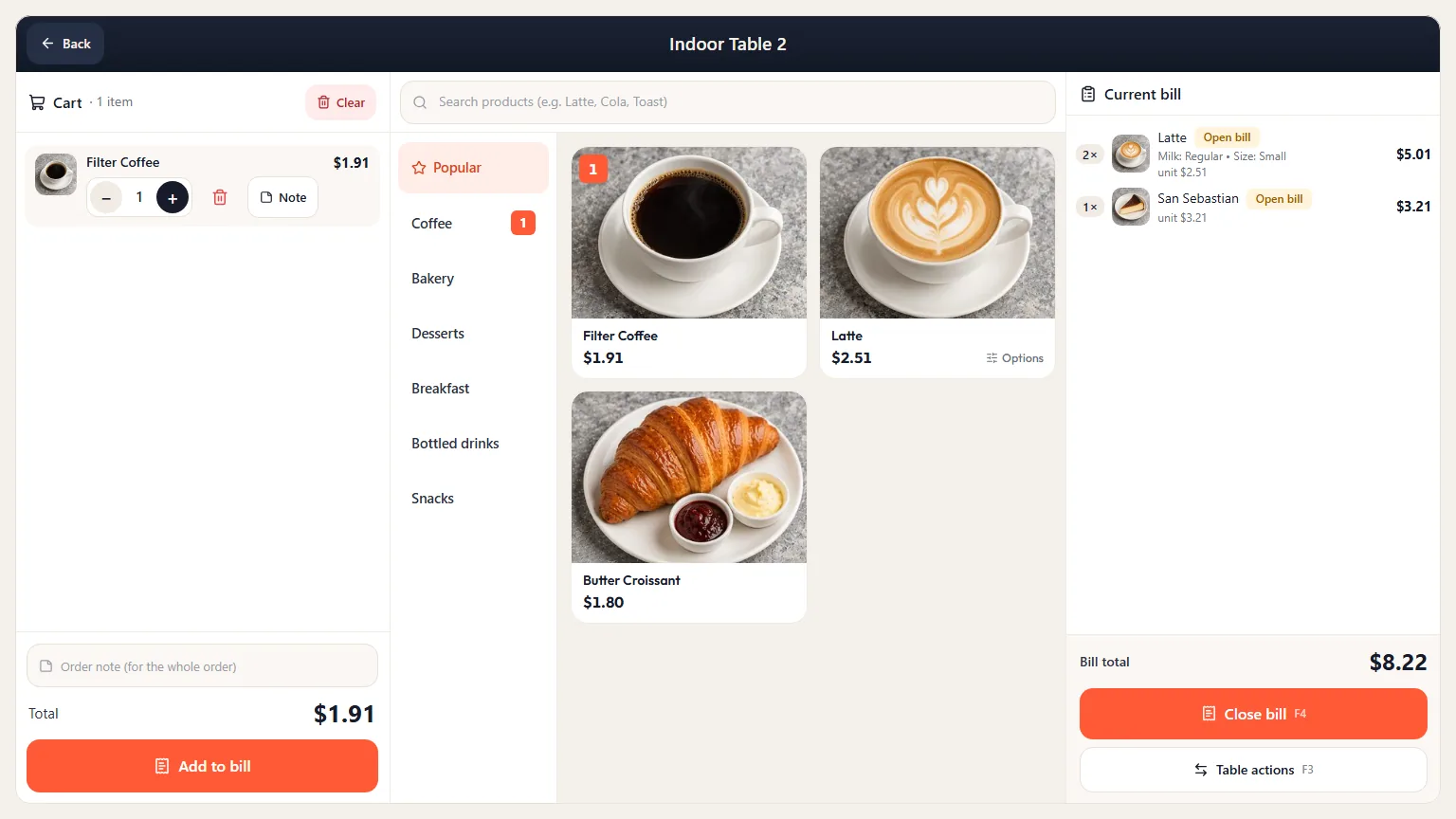
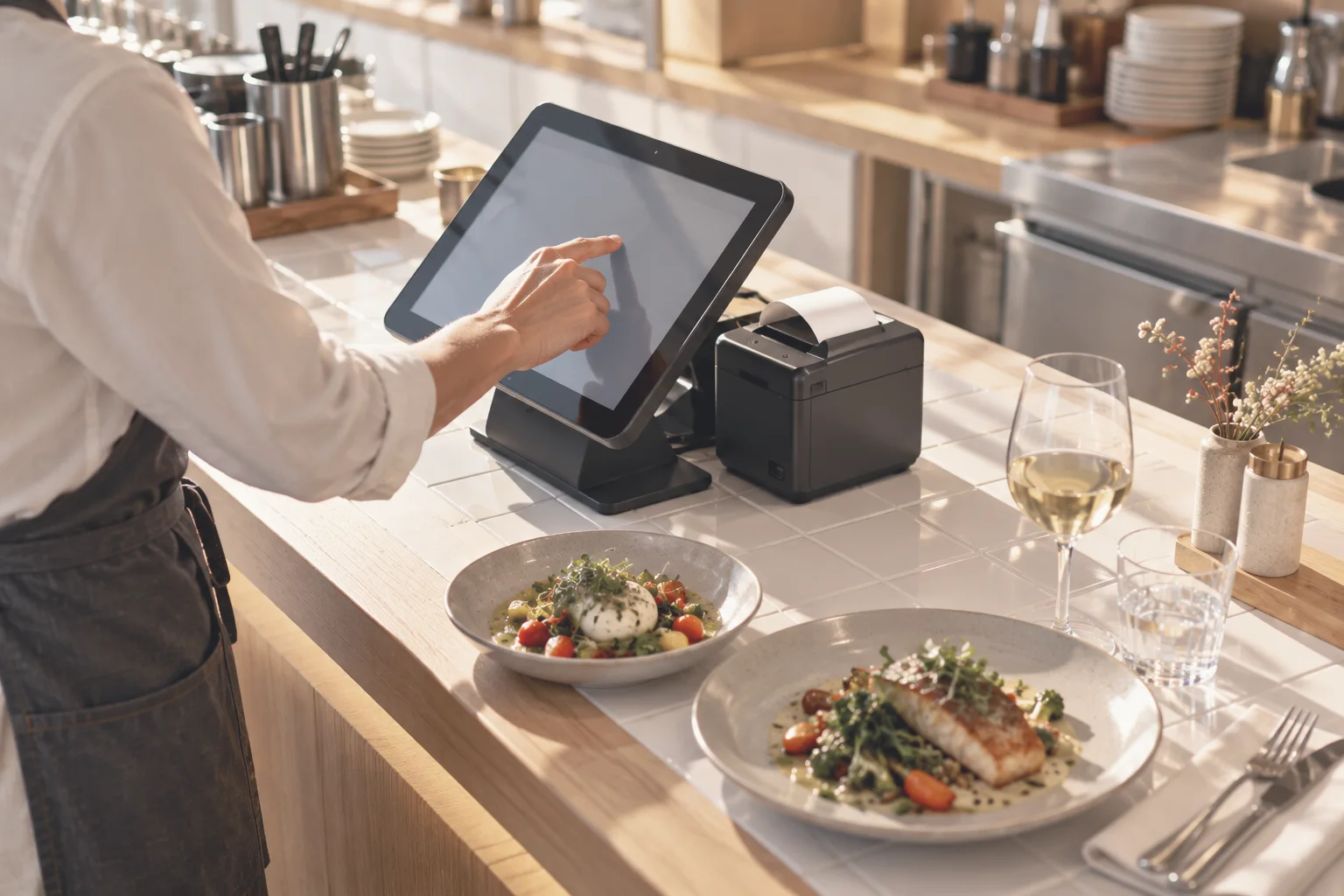
POS and dashboard: you’re in control.
The dashboard opens in a browser, so you see the day even when you’re not on site.
- Cashier PINEach cashier logs in with their own PIN and their shift starts automatically.
- Authorized voids and compsWithout permission, a manager PIN is required; every approval is logged with who gave it.
- Cash count and shiftsAt closing, cash is counted note by note; any difference is tied to its shift.
- A clear sales reportBreakdown by product, category, channel and branch; comparison with the previous period, busiest hour and strongest day.

Customers: restaurant software shouldn’t stop at the POS.
Who comes, what they like, who is drifting away; all in the same customer record as your sales.
- One scan at the POSBalance, stamps, member discount and birthday appear on screen; payment comes out of the wallet and the stamp is added.
- The usual orderThe cashier sees the customer’s usual order as a hint.
- Win back lapsed guestsGuests who haven’t visited in a while get a notification in your brand’s name; you see who opened it.
- Complaints reach you firstWith the QR survey on the table, complaints come to you first.
Multi-branch restaurant management system.
Menu, prices, campaigns and reports are managed centrally; permissions and views are set per branch.
- Branch receipts, POS announcementsSend POS announcements to all branches or only to the ones you select.
- Branches side by sideThe sales report shows branches broken down by category, product and channel.
- One balance, every branchBalance topped up at one branch can be spent at all of them; separate wallets and virtual POS accounts can be set up per franchise or city.
- Stock from HQ to branchesFor chains with a central warehouse, transfers are tracked in two steps.

Last updated: 4 November 2026
Questions
What does restaurant management software do?
It combines tables, waiters, kitchen and POS in one system; an order is entered once and goes to the bill, the kitchen and the reports at the same time. sipnik adds your customer’s wallet and loyalty on top.
Is a restaurant management system the same as restaurant software?
The terms are often used interchangeably. Restaurant software usually covers billing at the POS; a restaurant management system adds a dashboard, reports, team and branch management. sipnik offers both in one system.
I have several branches. Can I manage them from one place?
Yes. Menu, campaigns, team and reports are in one dashboard; you see sales branch by branch, side by side.
Does the restaurant management software include inventory and recipe tracking?
Yes. Each item sold is deducted from stock by its recipe; cost is calculated including waste, and low-margin items are flagged.
Do orders from delivery platforms come into the system?
Yes. Orders from connected delivery platforms land in the order list on the POS and the kitchen ticket is printed.
Do I need to replace my current restaurant software?
The recommended path is switching to sipnik POS: we handle setup and staff training, and wallet, loyalty and QR payments come ready. If you’d rather keep your current POS, we can optionally connect to it via API.