Restaurant POS and order management system: every order on one screen.
Counter, table QR, waiter tablet, phone, your own app and delivery platforms: wherever an order comes from, it lands in sipnik POS.
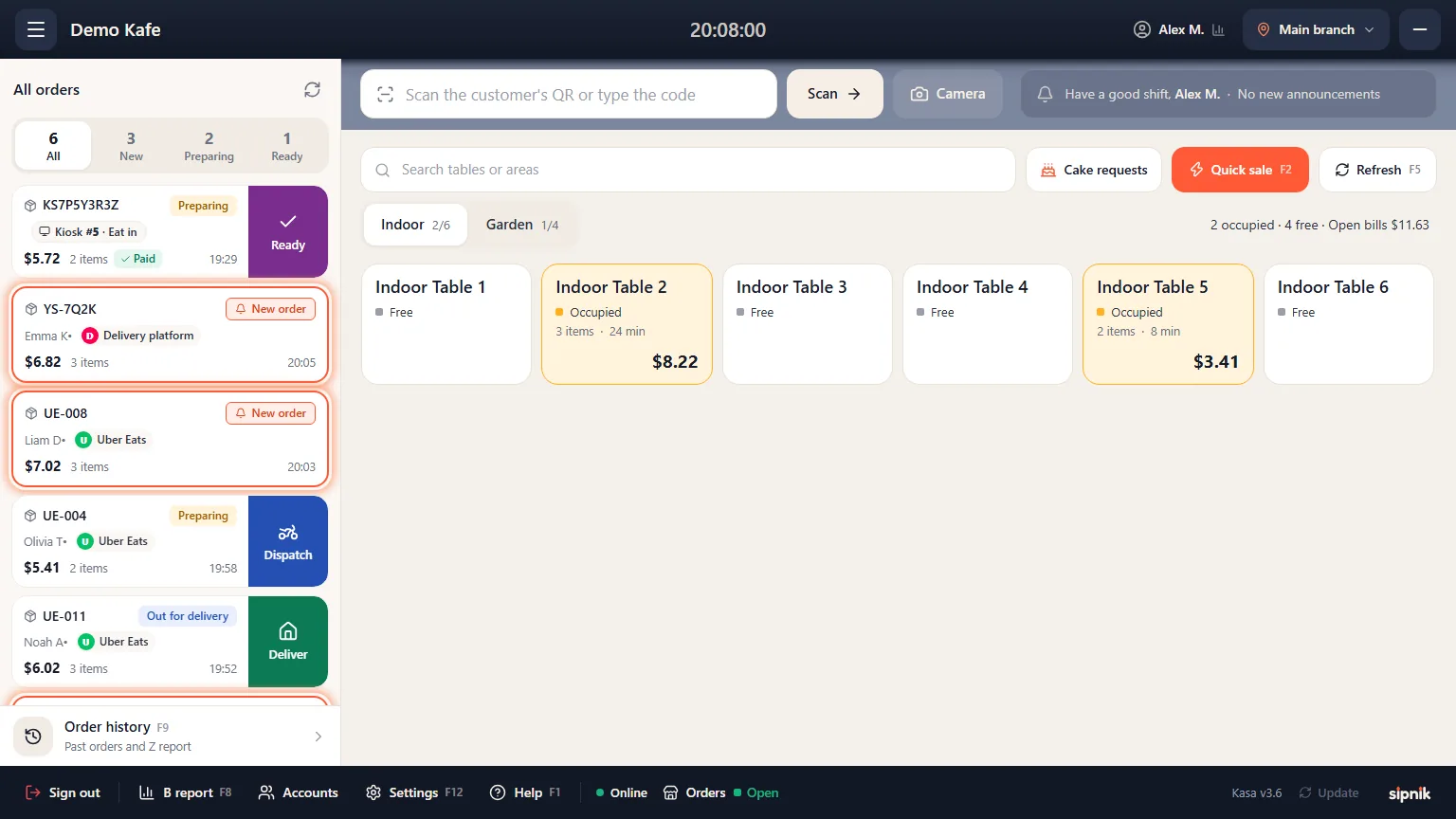
Six channels, one list.
Table QR
Guests order without downloading an app; the order goes straight to the table's bill.
Waiter tablet
Orders are taken at the table and sent to the kitchen instantly.
Phone
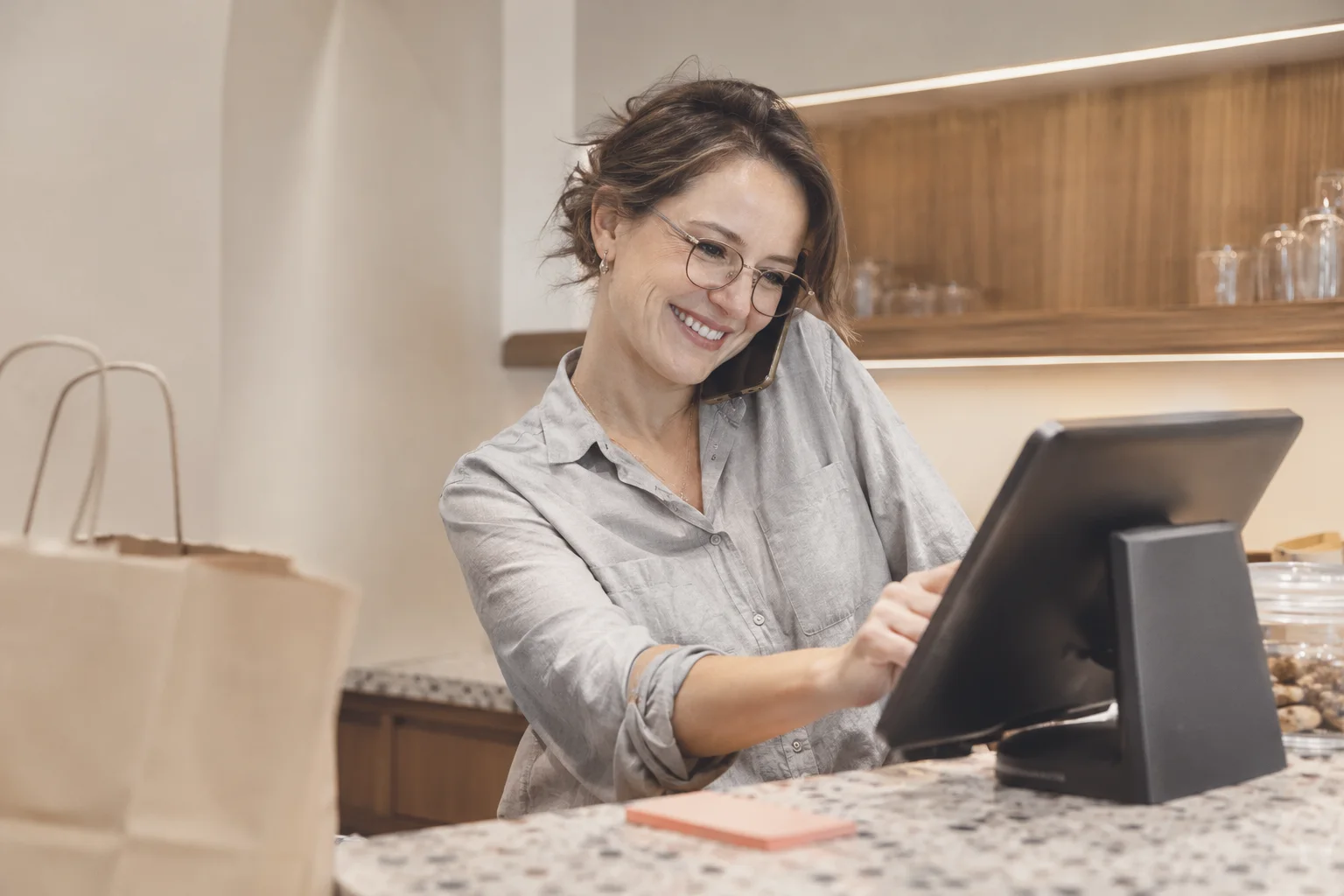
Callers are recognized; their name, last address and directions come up ready.
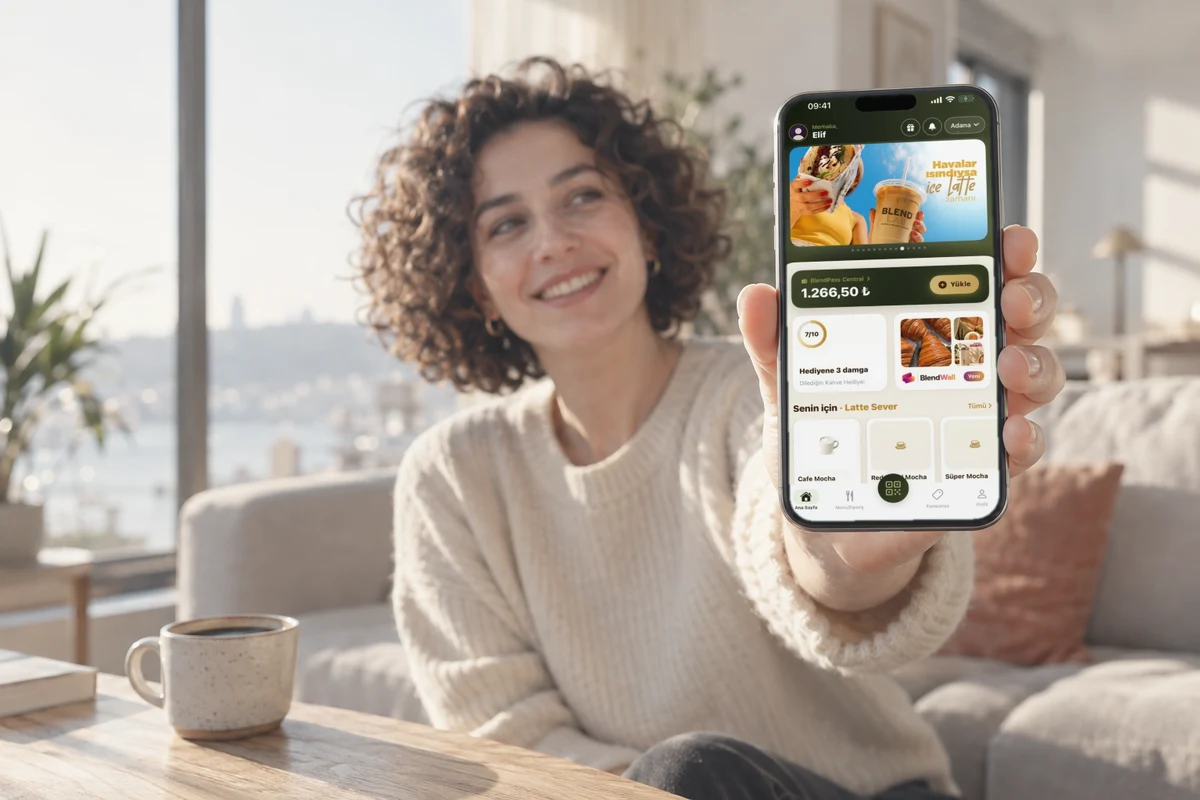
Your own app
Delivery and pickup orders arrive at the POS with a sound alert.
Delivery platforms
Orders from delivery platforms appear in the same list.
Counter
Tap the item, take the payment; no queue builds up.
From order to payment in four steps.
- 1The order comes inFrom the counter, QR, tablet, phone, app or a delivery platform.
- 2It lands in the POSWith a sound alert; table orders go to the table's bill, delivery orders to the list.
- 3The kitchen preparesThe ticket prints at the right station.
- 4The bill is closedThe sale is recorded in the report together with its channel.
What is a POS ordering system?
A POS ordering system is software that collects incoming orders at the POS, sends them to the kitchen and records the payment. Counter, table, phone and online orders are managed in one list instead of on separate screens.
When each channel stays on its own screen, orders get missed, the kitchen gets confused and reporting falls apart. A good order management system brings these channels together in one list, with one menu and one report.
Restaurant ordering system: tables, counter and delivery together.
Cashiers never switch between screens; everything is sold from the same menu and recorded in the same sales report.
- Waiter and QR on the same billThe waiter takes the order on a tablet, or the guest orders from the table's QR menu; both go to the same table's bill.
- Shared bill with a table codeEveryone at the table adds orders to the same bill with a 4-digit table code.
- Fast counter salesTap the item, take the payment.
- Delivery and pickup in one listDelivery and pickup orders wait on the same POS, in the same order list.
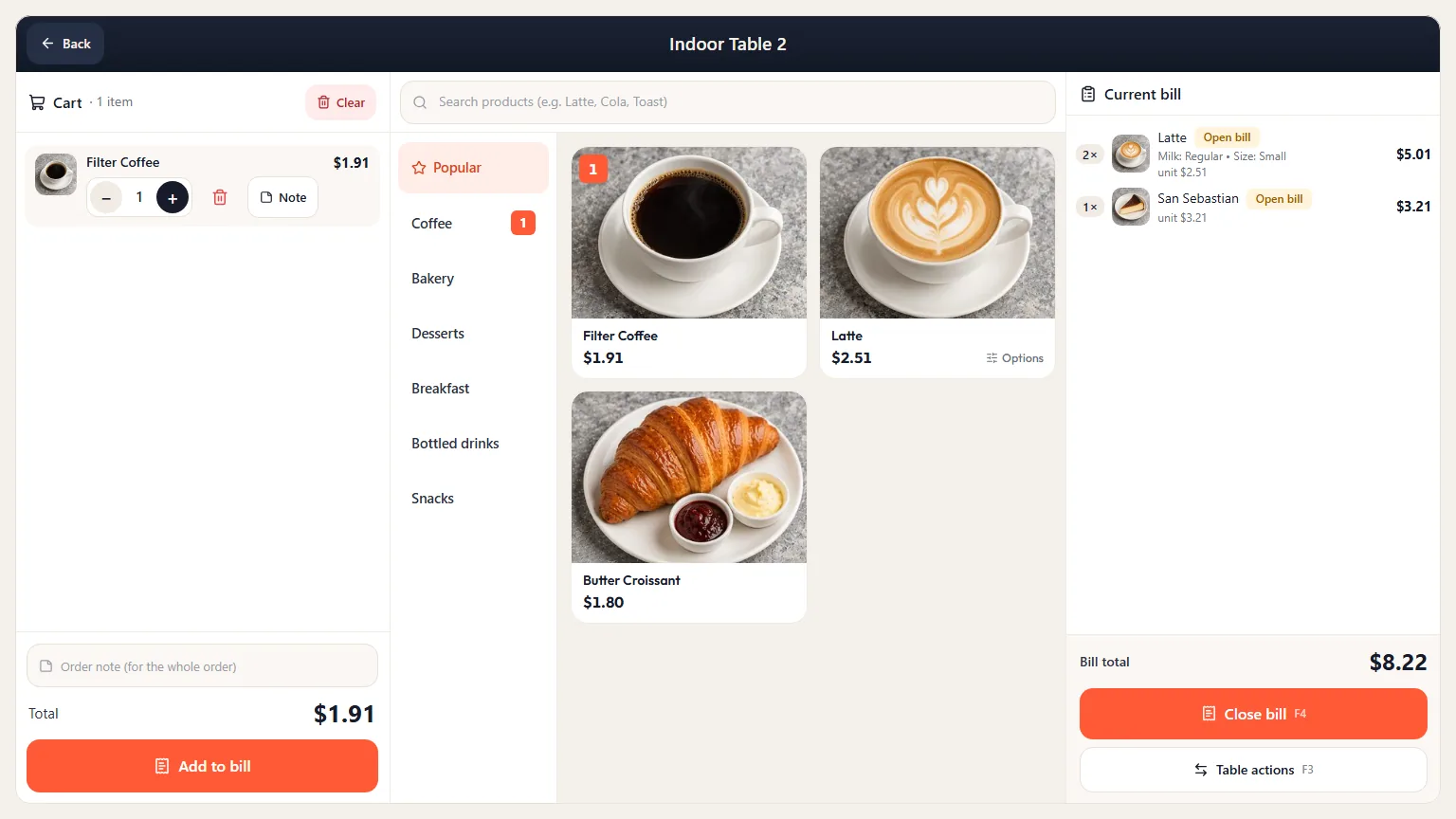
Online ordering system: your restaurant's own channel.
When customers order from your brand's own app or ordering page, their name, address and order history stay with you.
- A channel to talk to your customersYou add their stamps and send your campaigns; customers who haven't ordered in a while get a notification in your brand's name.
- Straight to the POS and kitchenThe order lands in the POS, the kitchen ticket prints and the customer is notified of the preparation status.
- Zone-based deliveryYou define service zones, delivery fees and a minimum order value; no orders come in from outside your zones.
- One menuMenu, prices and sold-out items are managed in the same place as the POS.
Phone orders: the caller is recognized on screen.
Phone, app and table orders enter the same POS ordering system and the same kitchen flow.
- The number on the POSWhen the phone rings, the number appears on the POS screen.
- Name, address and directions readyA registered customer's name, last address and directions come up; you pick the items and mark cash or card on delivery.
- Courier and status trackingA courier is assigned; the status shows on the dashboard while on the way and once delivered.
What do you need for a POS system?
POS and receipt printer
A touchscreen POS computer running Windows 10 or 11 and a receipt printer are all you need.
Extra hardware if you want it
Kitchen and bar printers, a customer display and Android tablets for waiters.
Automatic updates
The POS updates itself.
Setup and training
We handle setup and team training. Details: sipnik POS.
Orders scattered, or in one POS?
Last updated: November 4, 2026
| Order channel | Separate screens and notebooks | sipnik POS ordering system |
|---|---|---|
| Table QR | Waits on a separate screen to be noticed | Goes to the table's bill |
| Waiter | Written on paper, carried to the POS | From the tablet to the bill and the kitchen |
| Phone | Address asked every time | Caller recognized, address ready |
| App and ordering page | Tracked in a separate place | Arrives at the POS with a sound alert |
| Kitchen | Ticket written or carried by hand | Ticket prints automatically at the right station |
| Reporting | Channels added up one by one | Channel by channel in one report |
Questions
How does a restaurant POS and order management system work?
Orders come from the counter, the table QR, the waiter tablet, the phone or your app and land in sipnik POS. The kitchen ticket prints at the right station and the bill is closed at the POS.
Is there a difference between a restaurant ordering system and a POS system?
A POS system records sales and payments; a restaurant ordering system brings orders to the POS and the kitchen. sipnik POS does both on one screen.
Which channels send orders to the POS?
The counter, QR menu, waiter tablet, phone, your brand's app, ordering page and pickup, plus delivery platforms.
How do I set up an online ordering system for my restaurant?
Your menu is the menu on your POS; you define service zones, delivery fees and a minimum order value on the dashboard. We handle setup and training.
Do I need to replace my current POS system?
The recommended path is switching to sipnik POS: we handle setup and staff training, and wallet, loyalty and QR payments come ready. If you'd rather keep your current POS, we can optionally connect to it via API.