Restaurant table management software: open the table, settle the bill in parts.
Cloud-based table and bill management: table plan, moving and merging, kitchen tickets, split payments; your sales on the dashboard from anywhere.
- Table plan
- Move, merge
- Split payment
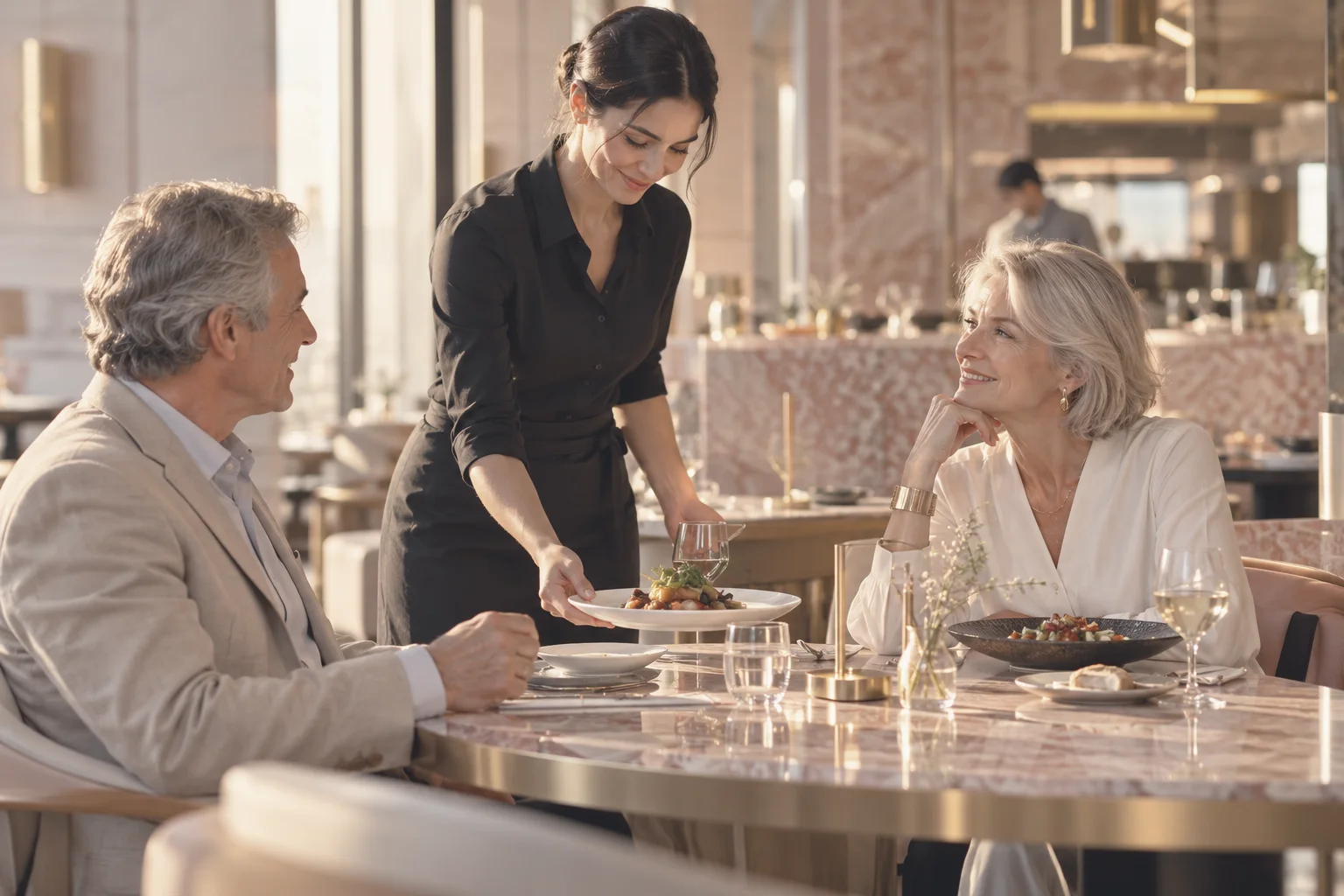
From table to bill on one screen.
- Table planMain hall, terrace, garden; tap a table and its bill opens.
- Waiter and QR on the same table billOrders from the tablet and from the QR code on the table go to the same bill.
- Kitchen tickets to the stationHot kitchen, cold kitchen or bar; the ticket prints in the right place.
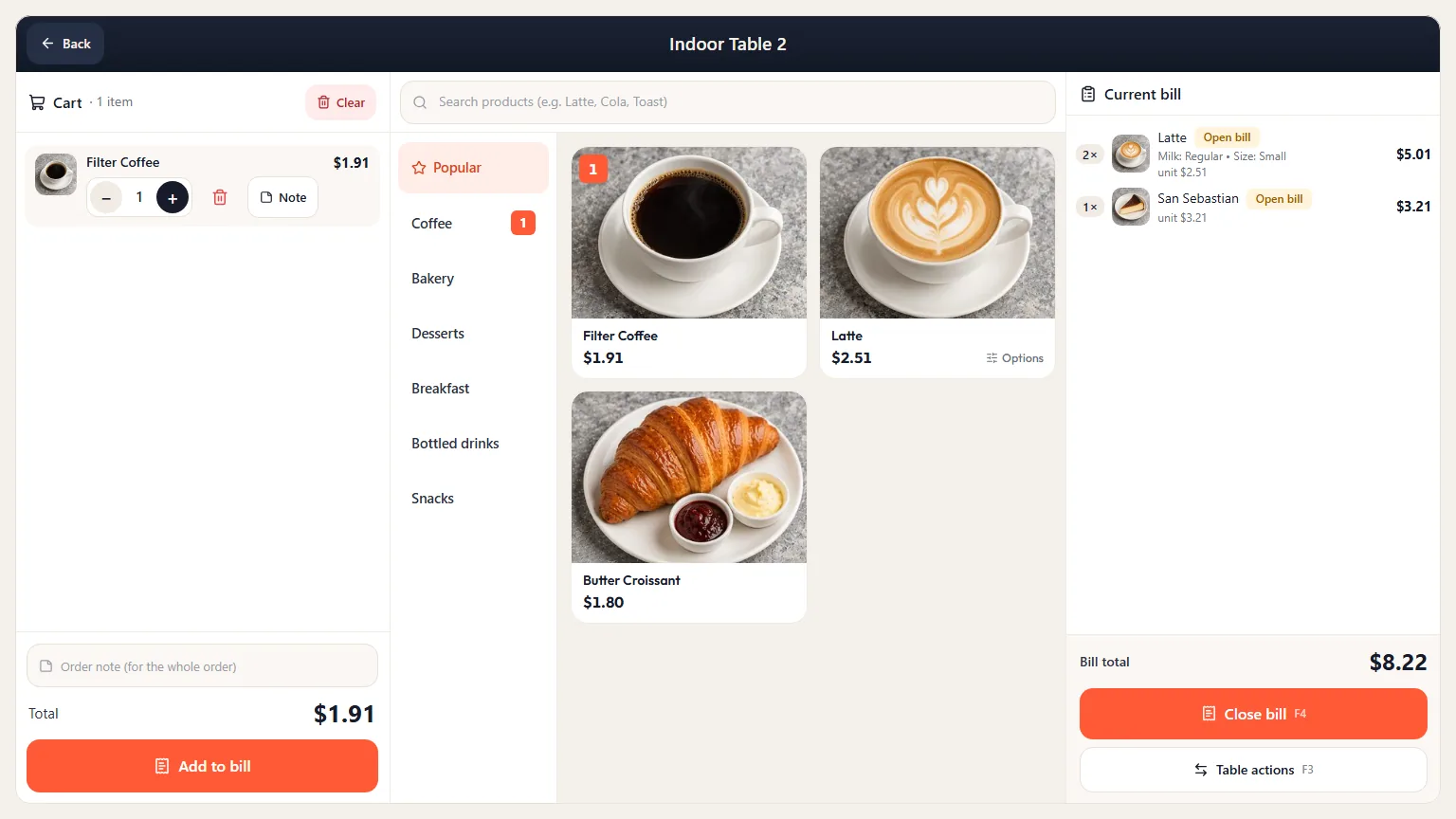
The bill is closed in 4 steps.
- 1Open the tableTap the table on the table plan.
- 2Add the orderFrom the POS, the waiter tablet or the QR menu.
- 3Manage the tableMove, merge, add a complimentary item or apply a discount.
- 4Close the billIn one go or with split payment.
What is table management software?
Table management software keeps a table's bill item by item, sends orders to the kitchen and closes the bill. It replaces the paper order pad: you tap a table on the table plan, the order is added and the kitchen ticket prints. sipnik POS keeps the bill in the cloud; tables, kitchen, payments and reporting run in one system.
Restaurant billing software: table, kitchen, bill.
In a restaurant, the bill lives from the moment the table is opened until the guests leave.
- Sectioned floor, one billMain hall, terrace, garden; orders from the waiter tablet or the QR menu go to the same bill.
- Tickets to the right stationThe kitchen ticket prints on the right station's printer, based on the item's category.
- Split the billOne pays cash, one by card, one with the wallet; you can also split the bill equally per person.
- Comps and voids with authorizationComplimentary items, discounts and voids require authorization; every approval is logged with who gave it.
- Bill printouts for your branchThe bill prints with a design specific to your branch.
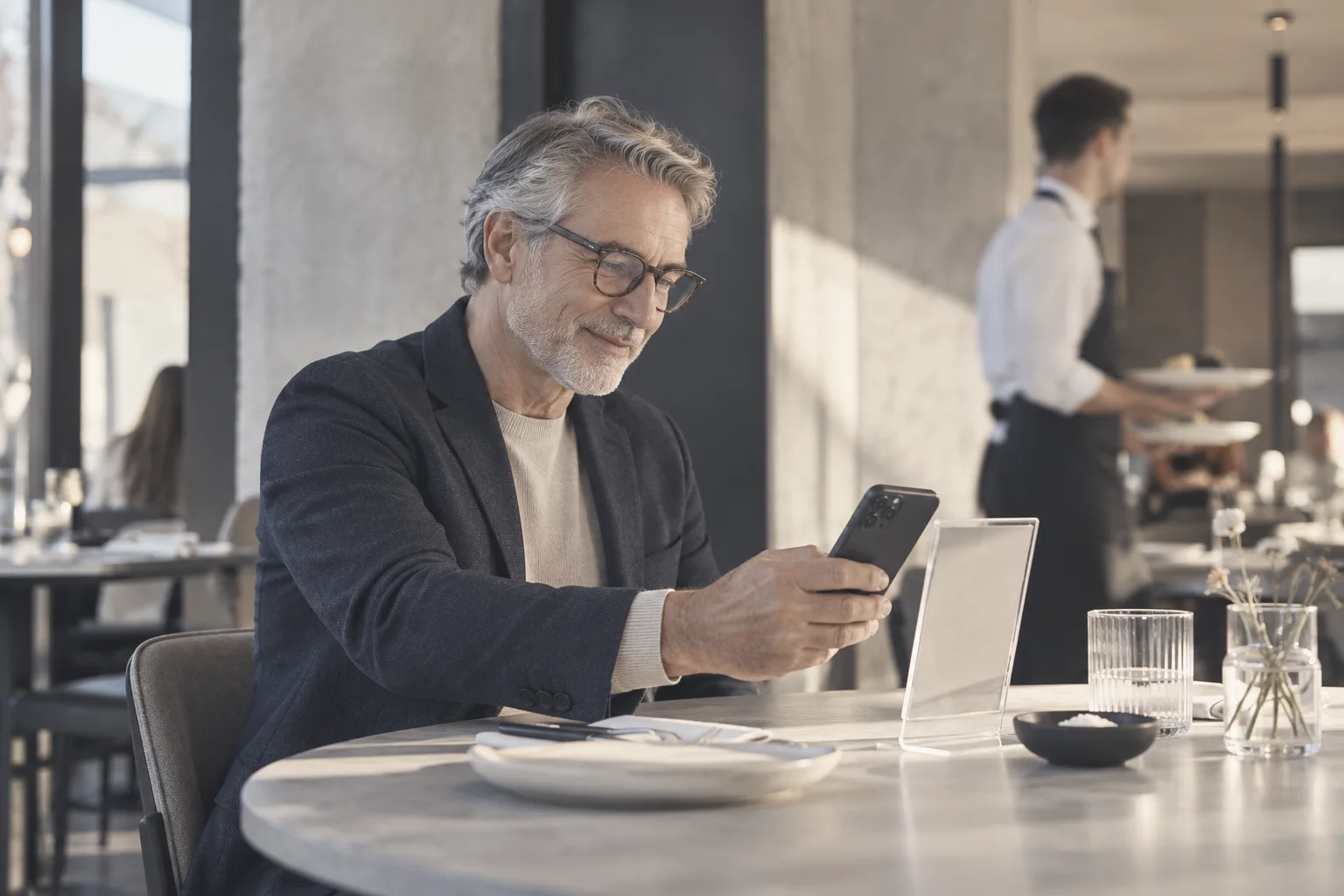
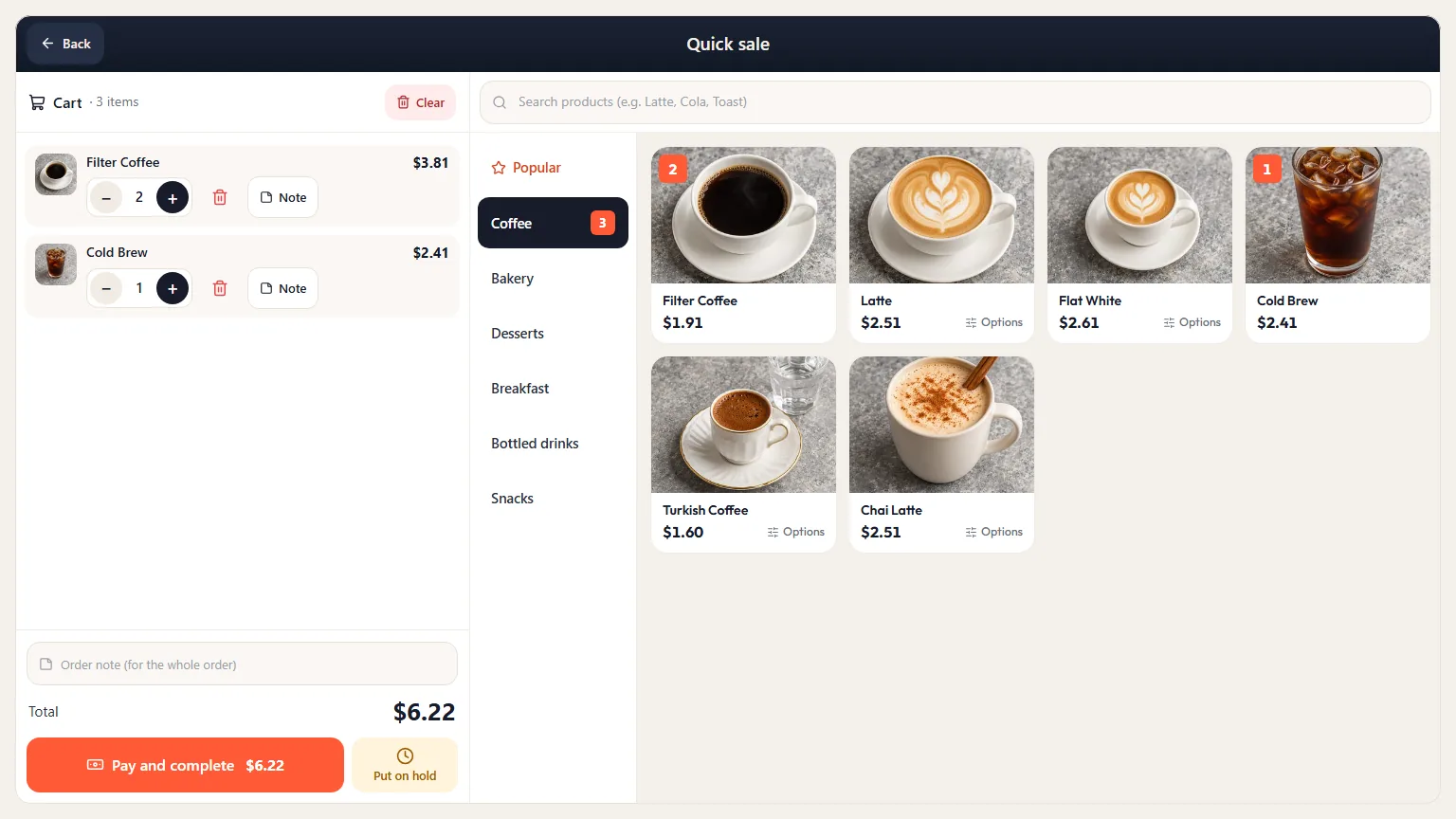
Table management for cafés: counter and tables on the same POS.
In a café, most sales happen at the counter and some at the tables.
- Fast sales and tables togetherAt the counter you tap the item and take payment; at the table, the bill stays open.
- Options right on the itemOptions like oat milk or an extra shot are ready to go.
- Balance and stamps via QRWhen the customer scans their QR, their balance, stamps and discount appear on the POS; payment is deducted from their wallet in 3 seconds.
- Subscriptions and birthday treatsCoffee subscriptions and birthday treats are redeemed from the same screen.
- The usual orderThe customer's usual order appears as a hint and goes into the basket with one tap.
Cloud-based table management: see it all, even when you're away.
Sales records don't stay on a single computer at your venue; they are collected on the dashboard.
- Dashboard in your browsermy.sipnik.com opens on a computer as well as a tablet.
- Day, register, shiftYou see the day's sales, cash counts, shift discrepancies and your team's weekly working hours.
- One menu, automatic updatesPrices and sold-out items you change on the dashboard also update on the QR menu. The POS updates itself; no separate installation needed.
- All branches on one dashboardIf you have several branches, sales appear side by side, branch by branch.
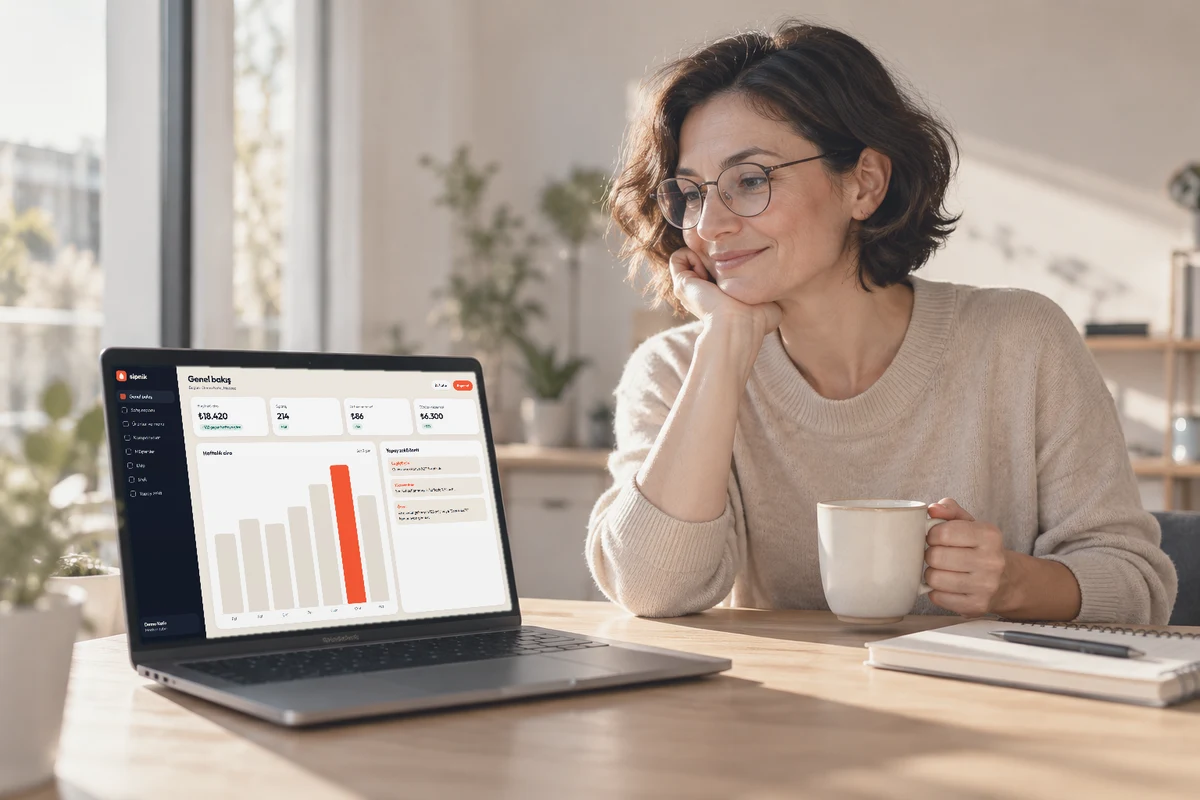
How to choose table management software? Six questions.
Look less at the buttons on the screen and more at what happens on a busy evening.
Is the bill kept when a table is moved?
Moving and merging shouldn't mean rewriting the bill. In sipnik POS it's drag and drop.
Can the bill be settled in parts?
A split bill should be payable by cash, card and on account.
Do tickets reach the right station?
They should print automatically at the right station, without the waiter carrying them.
Do voids and comps need authorization?
In sipnik POS, a manager PIN; who approved it is logged.
Can you see reports remotely?
On the dashboard, from anywhere; PDF and Excel.
Where do QR orders go?
Do they wait on a separate screen or go to the table's bill? Ask.
Paper order pad vs. sipnik POS
| Need | Paper order pad | sipnik POS |
|---|---|---|
| Moving, merging tables | Bill rewritten | Drag and drop; QR guests move to the new table too |
| Orders to the kitchen | Carried by the waiter | Ticket prints automatically at the right station |
| QR ordering at the table | Not possible | Goes to the table's bill |
| Split payment | Calculated by hand | Cash, card, on account, wallet; equal split per person |
| Voids and comps | Based on trust | Manager PIN; who approved it is logged |
| Reporting | End-of-day totals by hand | On the dashboard, from anywhere; PDF and Excel |
| Knowing your customer | Not possible | Wallet, stamps and birthday via QR |
Setup and training
Setup and training are part of the choice too; good table management software should be usable from the very first service. At sipnik, we import your menu from Excel, set up your table plan with you and train your cashiers and waiters. Details on the counter side are on the sipnik POS page.
Last updated: November 4, 2026
Questions
How do you use restaurant table management software?
Tap a table on the table plan and its bill opens; orders are added from the POS, the waiter tablet or the QR menu. The bill is closed in one go or with split payment.
What is cloud-based table management software?
It's table management software where sales and bill records are collected on the dashboard. Even when you're not at your venue, you see sales, cash counts and reports in your browser.
Is there a difference between table management software and POS software?
Table management software keeps the table's bill; POS software handles counter sales. sipnik POS does both on one screen.
Can I split the bill between guests?
Yes. You settle the bill in parts with cash, card, on account and wallet, or split it equally per person.
Do waiter and QR orders go to the same bill?
Yes. Orders from the waiter tablet and the table's QR menu go to the table's bill, and move with it when the table is moved.
What hardware do I need for table management software?
A touchscreen computer running Windows 10 or 11 and a receipt printer are enough. You can add a kitchen printer, a customer display and waiter tablets if you like.