Sales, orders and loyalty on one screen.
Your customer scans the QR on their phone, the payment comes out of their wallet and the stamp is added. A touchscreen Windows till for your brand.
Windows 10 and 11 · Updates itself
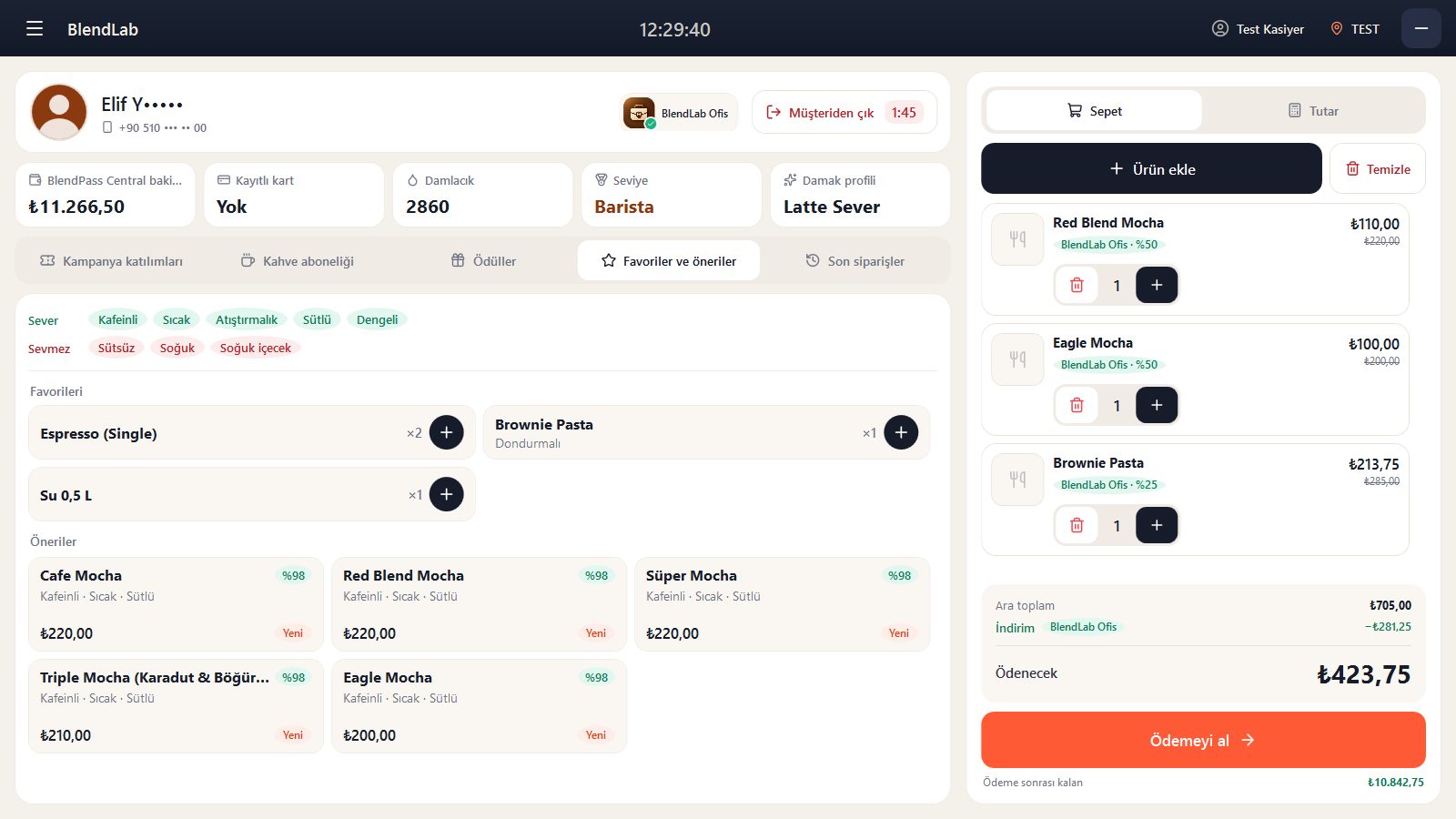
Six things that make a difference at the till
QR wallet payments
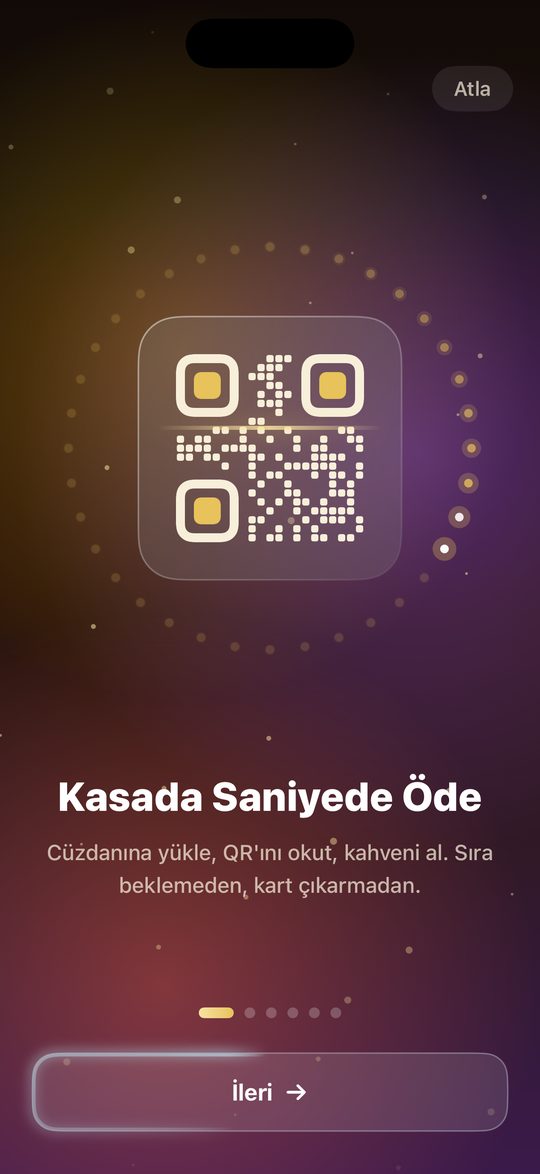
The customer scans their QR and the payment comes out of their wallet in 3 seconds. No card terminal, no change.
Customer display
On a second screen, customers see their basket, the total, their balance and the points they earn.
Loyalty and campaigns
Stamps, rewards, subscriptions and member discounts are applied automatically at the till.
Orders and messages
Orders from the app arrive with a sound alert and the kitchen ticket prints. No customer message is missed.
Every service on one till
Quick sale, table service and takeaway on the same screen. Cash, card, account and split payments.
Works with your current till software
If you already have till software, it connects via API; QR payments and loyalty work on that till too.
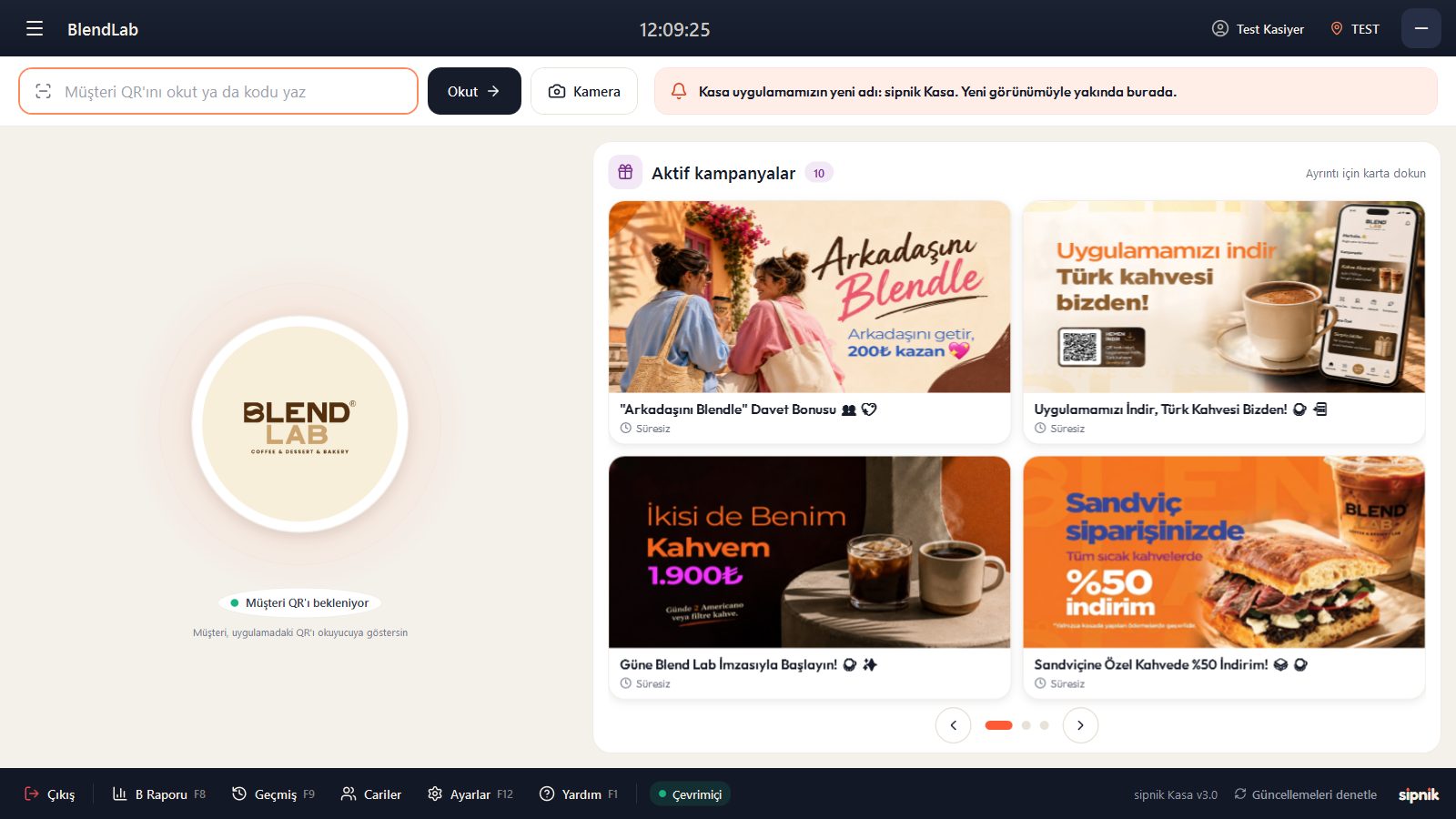
Your campaigns speak before the customer arrives
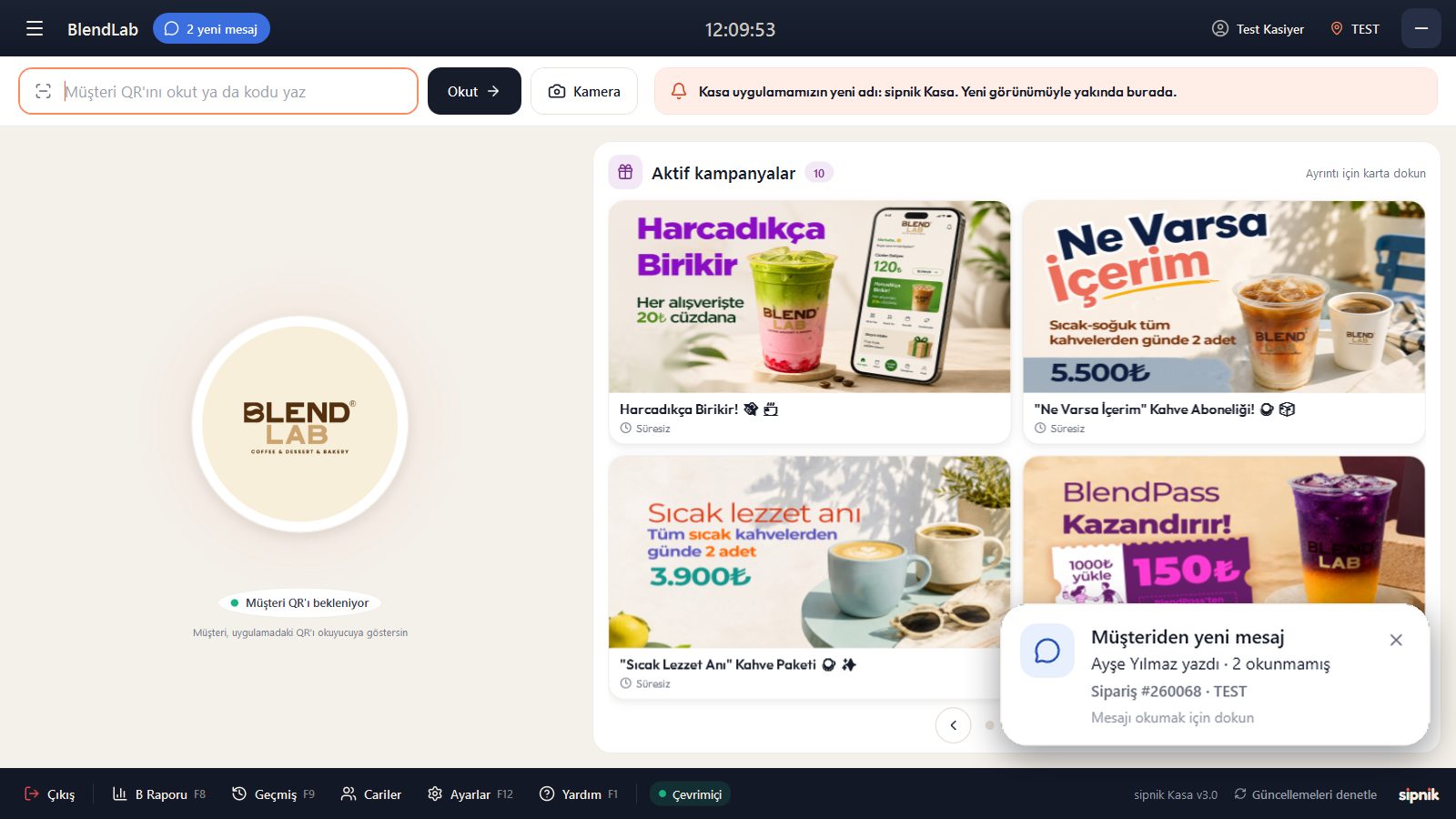
When the till is idle, your brand and current campaigns rotate on screen. The moment a customer scans their QR, the till switches to their screen.
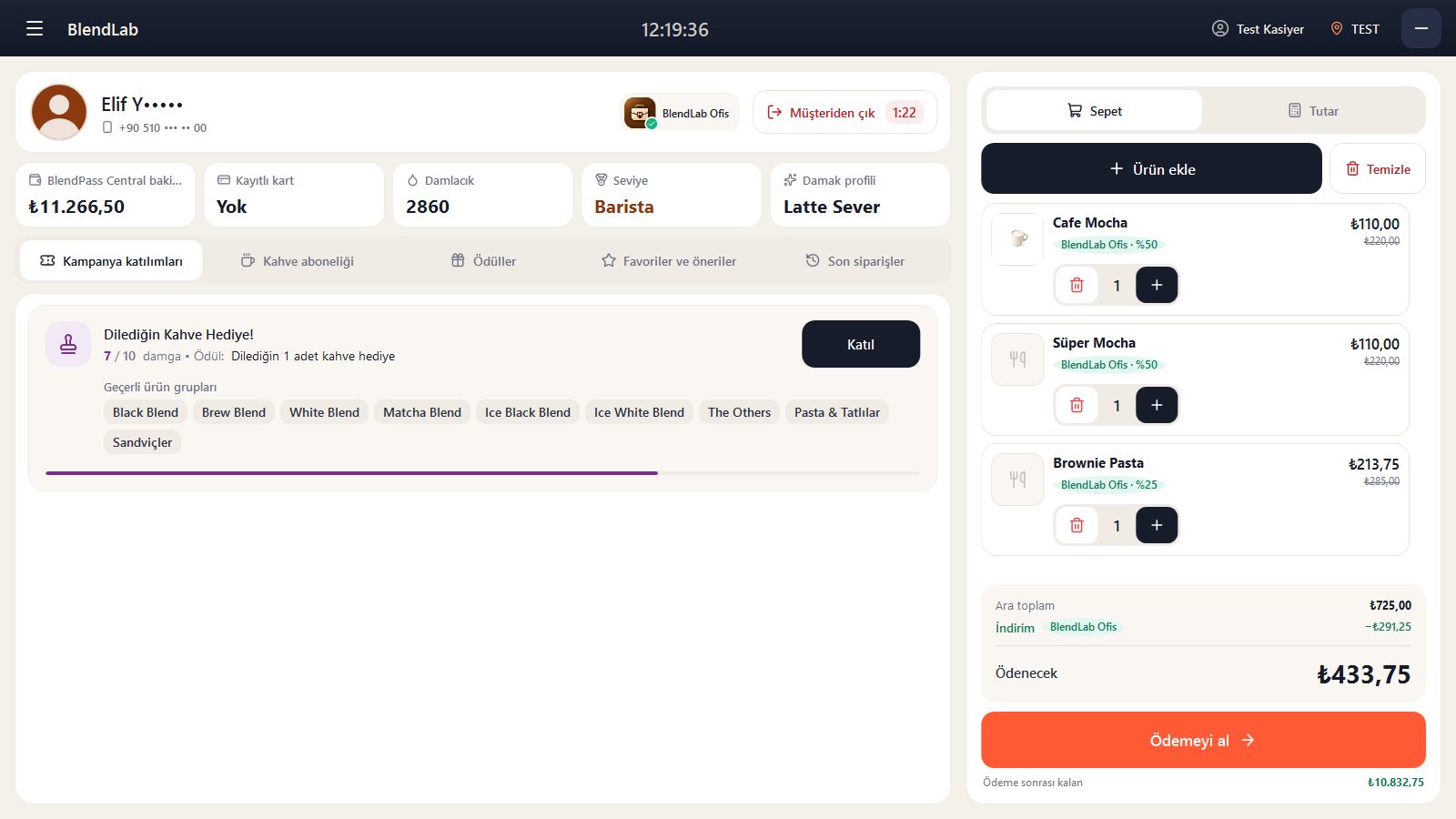
Charge and complete with one tap
When the customer scans their QR, their balance, stamps, tier and member discount appear on screen. Tap "Take payment" and the amount comes out of their wallet.
Know the moment your customer writes
Orders and customer messages from the app sound an alert and stay in the top bar until they are read.
Let's switch your till to sipnik Kasa.
We handle set-up and staff training. The call is free, with no commitment.