
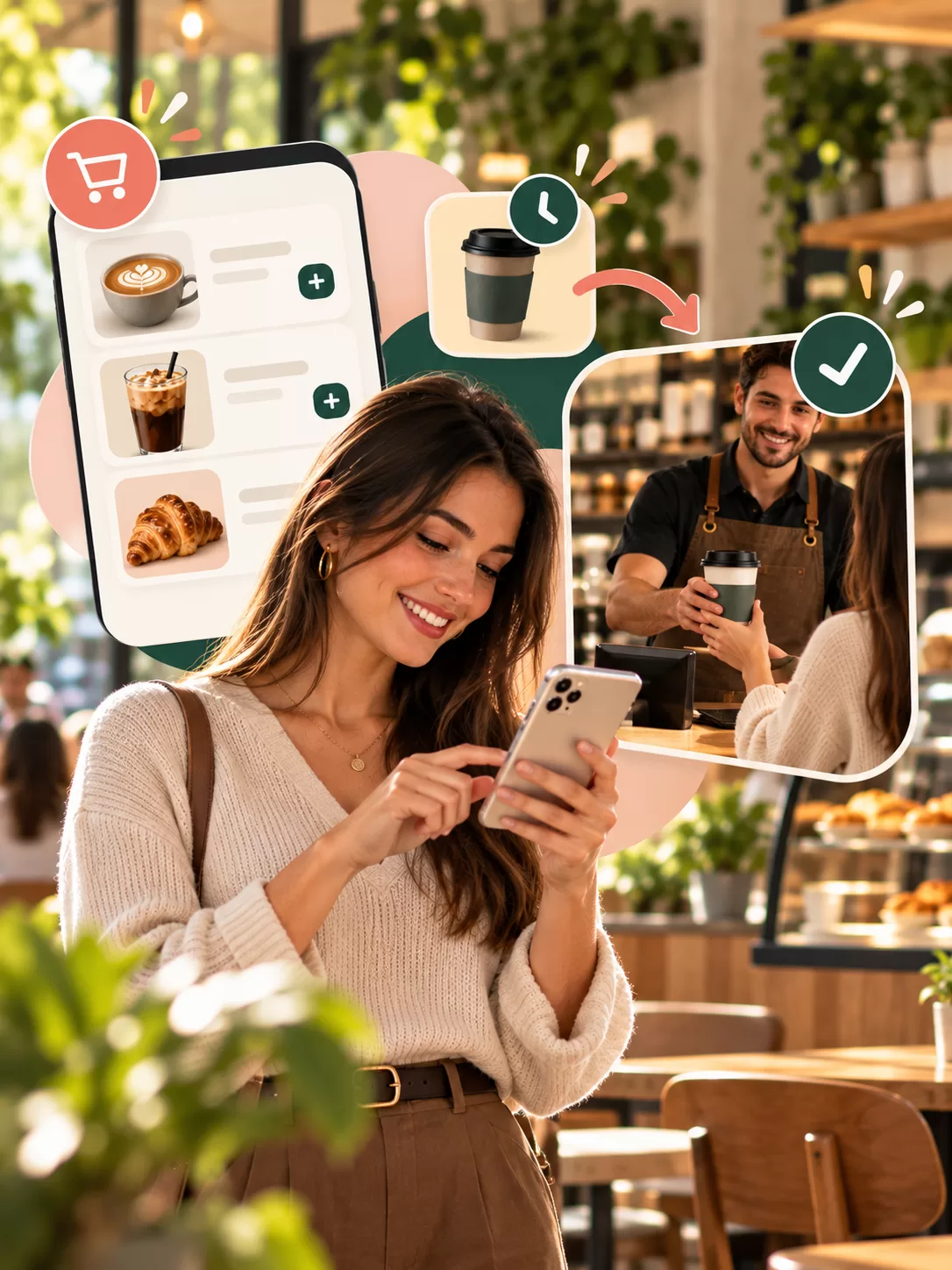
At 8:30 in the morning, a queue stretching out the door of your café means two losses: customers who can't wait and walk away, and a team stressed out trying to go faster. An order ahead system solves this at the root: customers place their order on their phone while on the way, pay for it, and pick it up ready at the counter when they arrive. Here is who click and collect suits, what to get right when you set it up, and the mistakes to avoid.
Who is order ahead right for?
- Cafés with a clear morning or lunchtime rush
- Locations in office districts with lots of customers grabbing a coffee on the go
- Businesses whose takeaway items (coffee, sandwiches, desserts) can be prepared quickly
Even if yours is a place where guests sit and stay a long time, ordering ahead still helps; but the real gain shows with customers who pick up and leave.
6 things to get right when setting up order ahead
1. Take payment with the order
If customers order ahead but pay at the counter, products you've prepared go to waste when someone doesn't show up. Taking payment at the moment of ordering, ideally from the customer's wallet, removes this risk.
2. Make sure the right pickup location is chosen
In a multi-location business, a customer ordering from the wrong location quickly becomes a bigger problem. The app should suggest the nearest location based on the customer's position and city, and not show closed locations at all.
3. Orders should reach your team instantly
Orders must reach the POS and the team preparing them instantly. Orders arriving by email or on a separate tablet get missed. Best of all, the order appears on your POS screen alongside everything else.
4. Notify the customer when it's ready
"Your order is being prepared" and "your order is ready" notifications let customers plan when to arrive, so fewer products sit waiting on the counter.
5. Have a clear pickup point
Customers who order ahead shouldn't have to join the queue. Set aside a corner of the counter for "ready orders". The customer gives their name and takes their order.
6. Keep the menu simple
You don't have to offer every item for ordering ahead. Start with items that are quick to make and whose quality holds up while waiting; a drink whose foam collapses right away won't please anyone after sitting on the counter for 10 minutes.
Common mistakes
- Showing the wrong preparation time: Promising "ready in 5 minutes" and delivering in 15 damages trust. Show a realistic time during busy hours.
- Not briefing your staff: The manager sets up the system, but the team prepares the orders. If the team doesn't know the process, the system stumbles.
- Not linking it to loyalty: Customers who order ahead should earn their stamps and points too. Otherwise they'll think, "If I'd bought at the counter, I'd have got a stamp."
In short: take payment with the order, route it to the right location, send it to the POS instantly, notify the customer when it's ready, and set up a separate pickup point. With these five in place, the queue gets shorter and revenue grows.
With sipnik's order-ahead feature, customers choose from the menu and pay from their wallet; the order lands on the POS, the pickup location is suggested based on their position, and closed locations can't be selected.
Skip setting all this up piece by piece.
Wallet, loyalty, subscriptions and order-ahead come ready for your brand.
Sip Your Brand!