Orders through your channel, customers who are yours.
Online ordering and delivery software: order, kitchen and courier in one flow.
- Ordering in your brand's name
- Delivery zones
- Sound alert + kitchen ticket
- Courier app
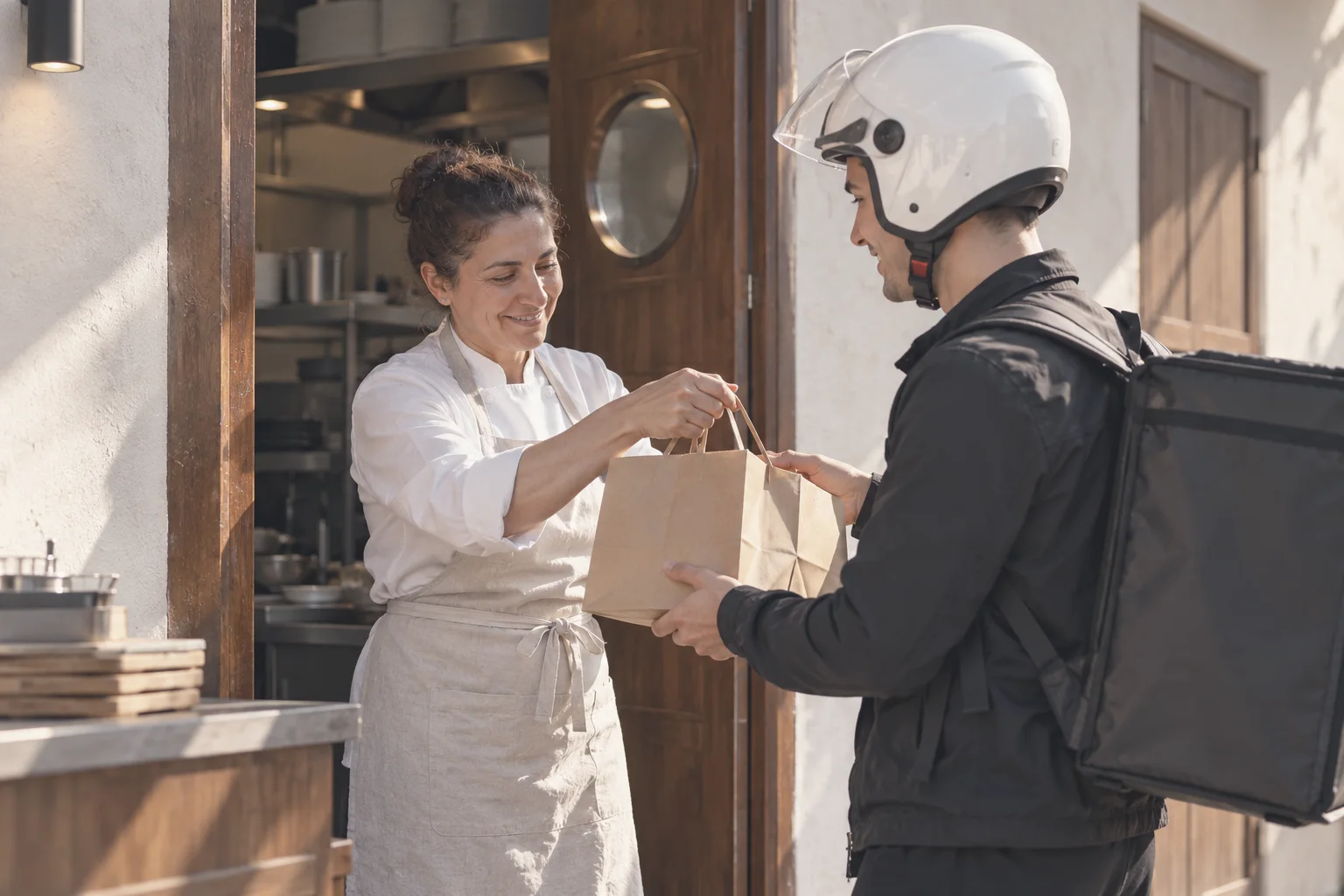
How does an order flow?
- 1OrderThe customer orders from your own ordering page or app.
- 2POSThe order arrives at the POS with a sound alert and the kitchen ticket prints.
- 3PreparationThe customer is told the status.
- 4CourierA courier is assigned; the route and delivery are tracked in the panel.
- 5AgainThe stamp is added; the customer comes back for the next order.
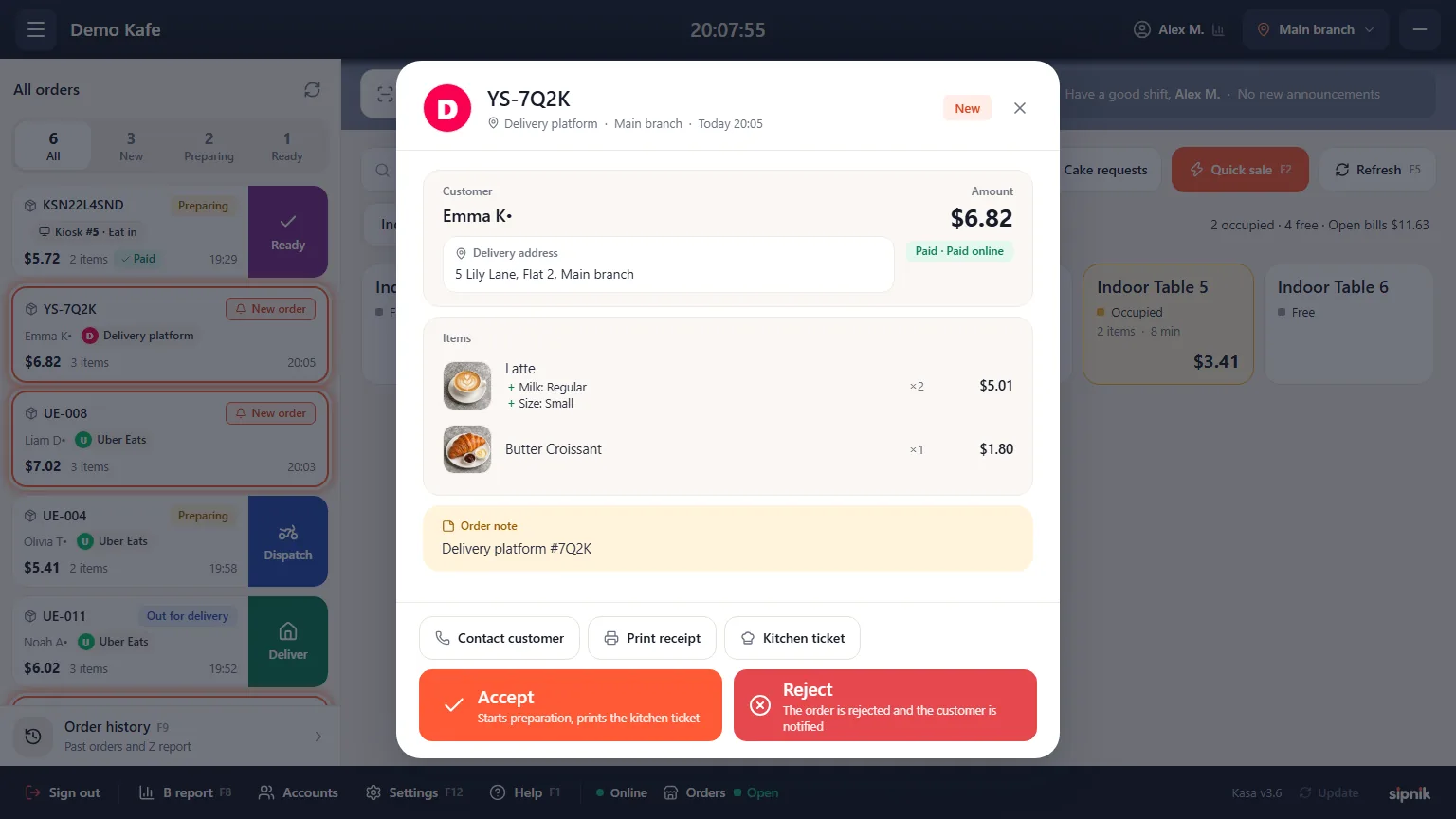
Every order in one list.
- Your own channelsApp, ordering page, QR menu and pick-up.
- Food delivery platformsYemeksepeti, and Getir Yemek and Trendyol Go through the Uber Eats integration.
- Stock deductionAn accepted order is deducted from stock by its recipe.
Order once, order again.
- Stamps on delivery tooWallet and loyalty work on delivery orders too.
- One tap for lapsing customersA notification to those who haven't ordered in a while.
- See the resultHow many people it reached and how many opened it, in the panel.
Questions about delivery
Can I use sipnik as an online ordering system for delivery?
Yes. Your brand's own ordering page and app, delivery zones, sound alerts at the POS and kitchen tickets in one flow.
Can I set delivery fees by area?
Yes. In delivery zones you set the fee, minimum basket and time zone by zone.
Can I manage my own couriers?
Yes. You add your couriers in the panel, assign them to orders and follow the delivery in the courier app.
Do orders from food delivery platforms arrive too?
Yes. Yemeksepeti, Uber Eats, Getir Yemek and Trendyol Go orders land in the same list as your own channels, and the kitchen ticket prints.