Not everyone. The right people.
Send push notifications from your brand's app: choose your audience with rules and see who read it.
- iPhone, Android and in-app inbox
- Head count before you send
- No extra fee

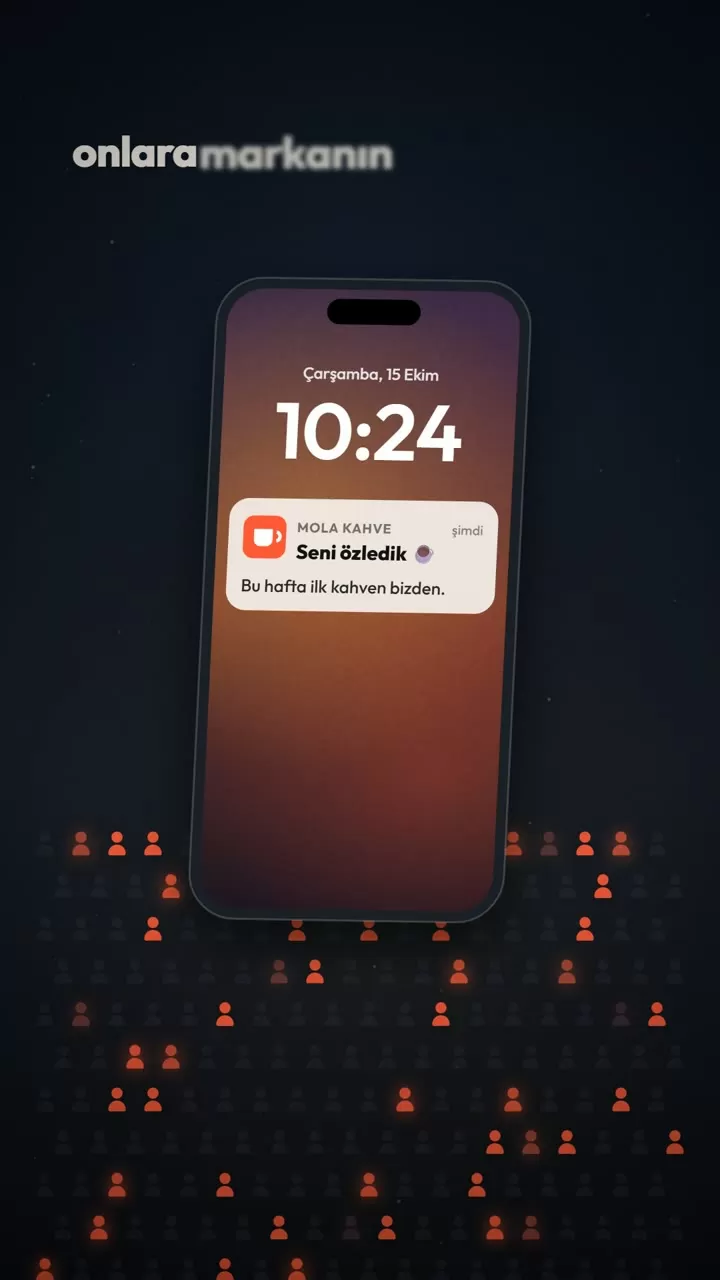
Your lost customers, back with one notification.
Pick everyone who hasn't come in for 45 days, notify them in your brand's name, see who opened it.
- In your brand's nameIt arrives with your app's name and icon; the sipnik name doesn't appear.
- Respects permissionPushes go only to people who allowed notifications.
- Live head countSee how many people it will reach before you send.
Rules that know your customers.
Combine rules with AND or OR; the audience is ready in one click.
Purchases
Not seen for N days, or frequent visitors lately.
Loyalty tier
One or more tiers of your programme.
Wallet
With a balance, run out, or topped up lately.
Birthday
Today, this week or this month.
A notification in three steps.
- 1Pick a templateWe miss you, campaign, new product, birthday…
- 2Set the audienceApply a suggested audience or build your own rules.
- 3Send and follow upSee who read it in your send history.
Questions
Whose name does the notification come from?
Your brand's own app name and icon. Customers see it as coming from your brand; the sipnik name doesn't appear.
What about customers who haven't allowed notifications?
They don't get a push, but the notification still lands in the app's inbox. You can also target only people who allowed notifications.
Can I combine rules?
Yes. Narrow with AND, as in "not seen for 30 days AND has wallet balance", or widen with OR; the head count is recalculated with every change.
Where do I see the results?
The History section shows targeted people, phones reached, inboxes and opens for every send, split by iPhone and Android.
Is there an extra fee?
No. Smart notifications are part of the panel.