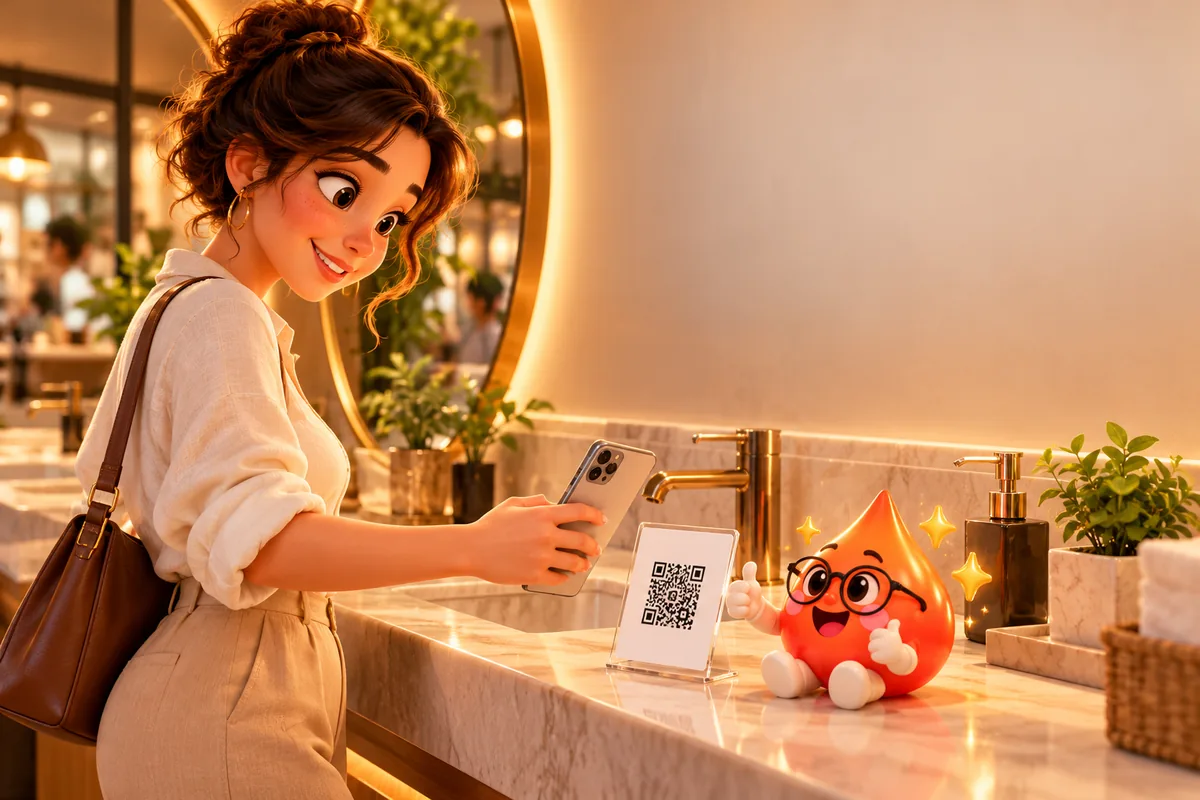
 Cleanliness score
Washrooms
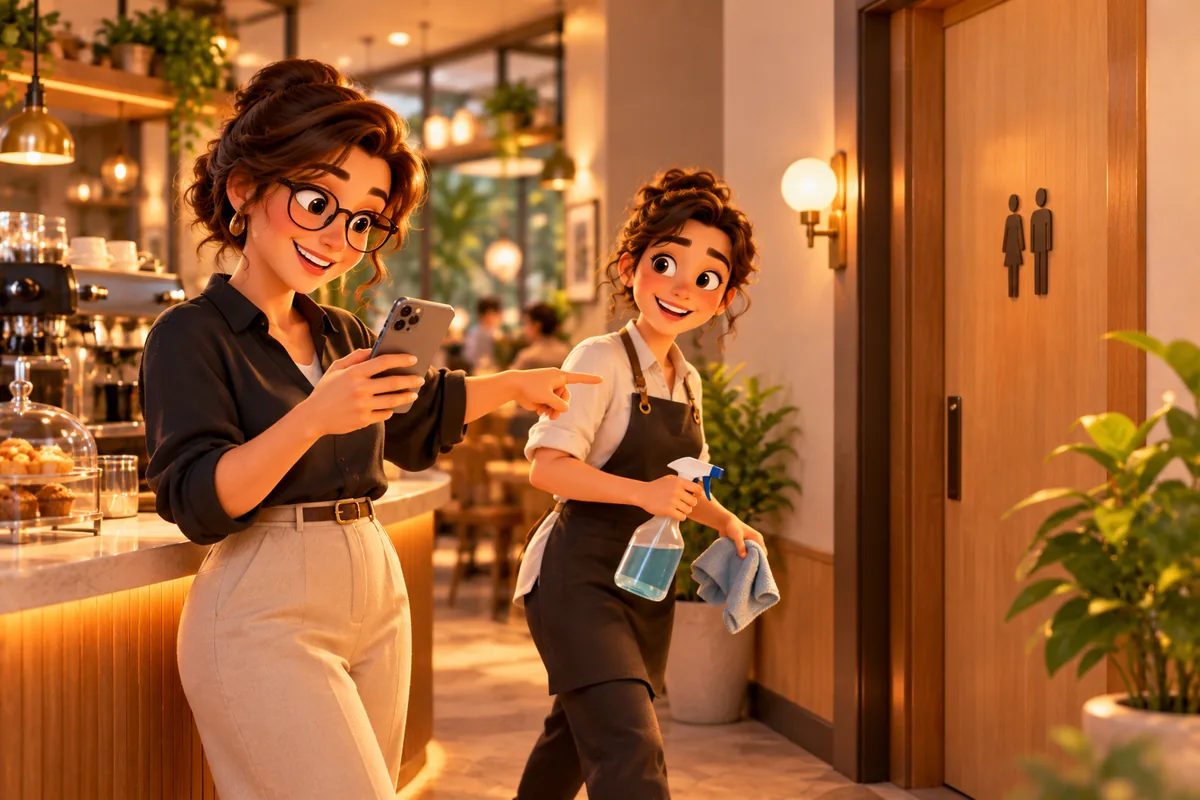
Out of soap, no paper, wet floor: the first customer tells you, the next one never sees it.
Put a QR code in the washroom, on tables and at the till. Customers rate you in 30 seconds without an app; low scores land in your panel instantly so you can act.
Cleanliness scoreOut of soap, no paper, wet floor: the first customer tells you, the next one never sees it.
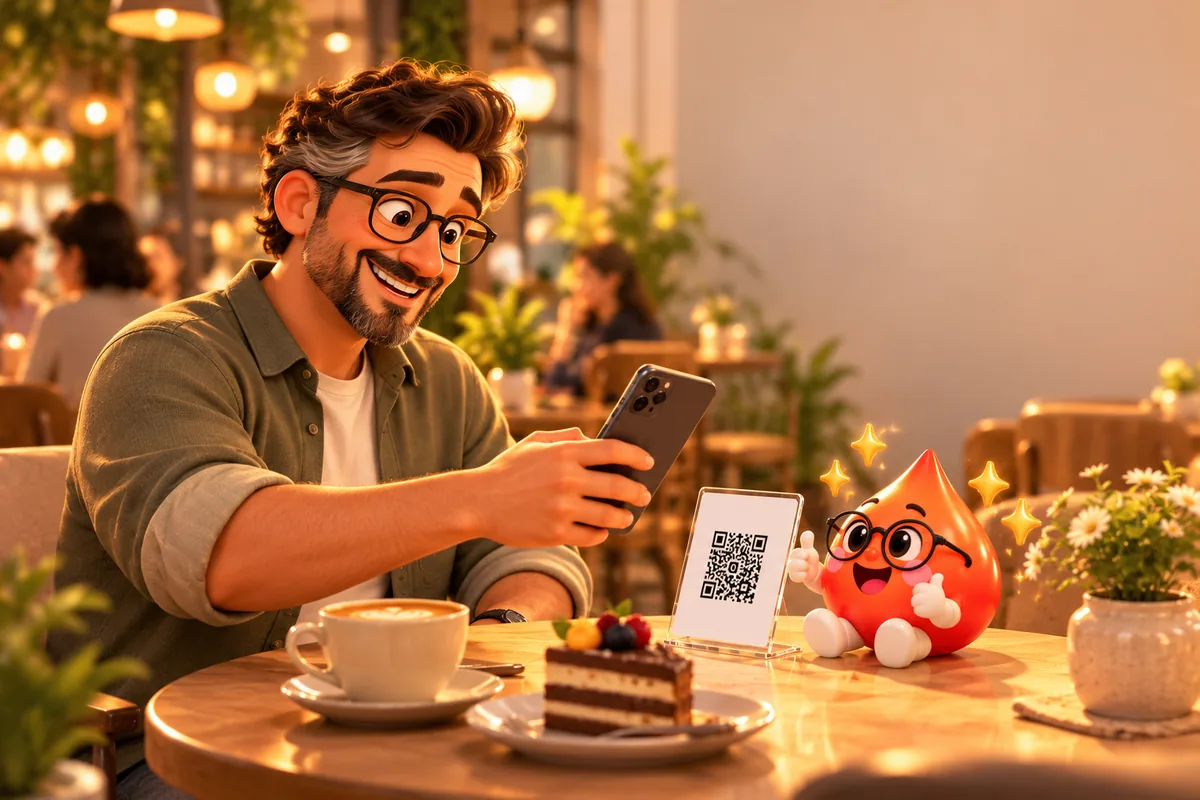 Food · service
Thirty seconds after the meal: food, service, recommendation score. See which table and which hour falls behind.
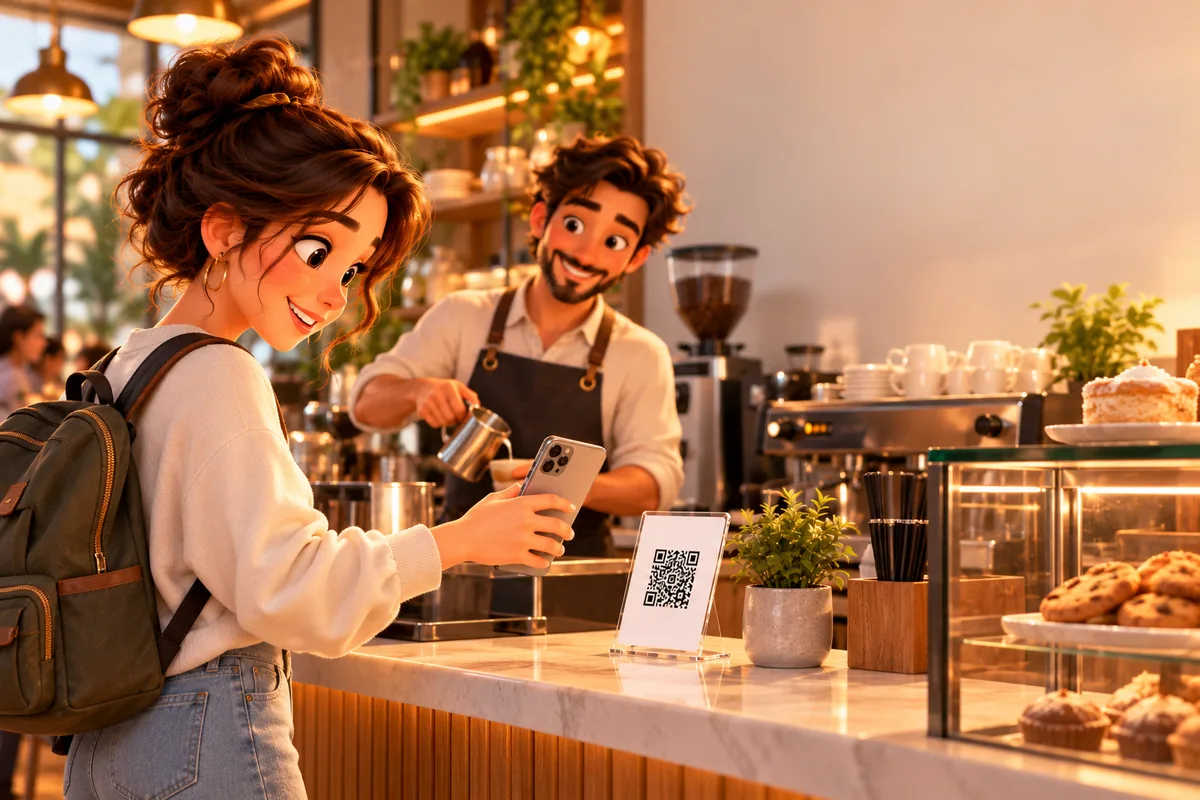 Speed · care
They scan while waiting in line. Waiting time and service scores, day by day.
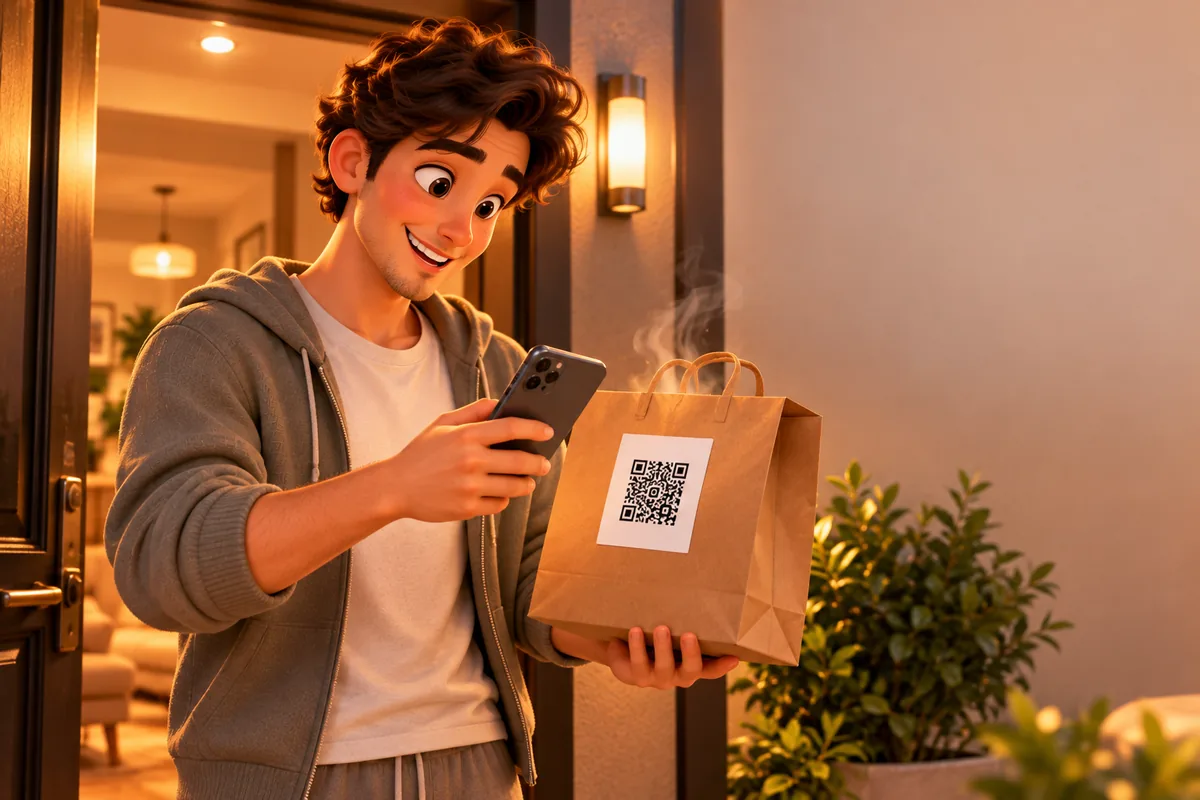 Delivery
A QR card on the bag: was it hot, anything missing? They tell you before they tell the platform.
Share the same form as a link. A separate link per channel shows which one works.
Stars, faces and a 0–10 recommendation score. Average rating and NPS calculated for you.
Complaints, suggestions, thanks. Call or WhatsApp customers who ask for a reply in one tap.
Ask your own questions: new products, prices, menu ideas. Results in charts and Excel.
Satisfaction, feedback or survey. Questions are ready; edit, add or remove as you like.
Unlimited QR codes for every branch and spot: type "Table 1-12" and get 12 cards at once. Or copy the link and share it.
Low scores and complaints arrive as "needs attention". Mark them resolved and leave notes for your team.
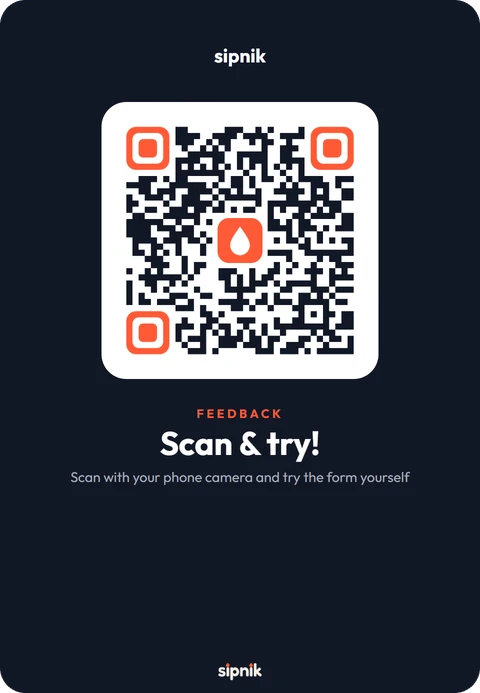
The QR on this card is real: scan it with your phone and try the form. Open the form
Customers write their complaint through the QR; you reply before it becomes a review.
The moment the cleanliness score drops, it shows as "needs attention".
With the phone camera, no app, no name.
Each response is filed under the QR it came from; scores by spot.
Customers who want a reply leave their number; call or WhatsApp from the panel.
Open a survey, share the link; results in a chart.
 Needs attention → resolved
A short form that opens when a customer scans a QR code with their phone camera. They rate, choose or write without an app, and the response lands in the business's panel instantly.
No. They scan the QR with the phone camera and the form opens in the browser. No name or sign-up needed.
Washrooms, tables, the till, delivery bags, hotel rooms, sun loungers, waiting areas; anywhere a problem can come up. You create a separate QR for each spot.
Unlimited. Create as many as you like for every branch: washrooms, tables, the till, delivery bags. Type "Table 1-12" and 12 QR codes are created at once; each response shows the spot it came from.
Download a PDF from the panel: table stand (A6), large stand (A5), 9×9 cm square sticker or business-card size. Prepared with your logo and brand colour, printed on an office printer.
Yes. Satisfaction, feedback and survey templates come ready; add and reorder stars, faces, 0–10 recommendation, single or multiple choice, yes/no, short and long text questions.
By default the same phone can answer a form once every 12 hours. If you hand a tablet to every customer at the till, you can remove the limit.
Not by default; forms are anonymous. A customer who wants a reply can leave their name and number by ticking a consent box.
The panel shows the average rating, recommendation score (NPS), question-by-question distribution, scores by spot and a daily response chart. Export all responses to Excel.
It is calculated from 0–10 answers to "Would you recommend us?": the share of 9–10 answers minus the share of 0–6 answers, giving a result between −100 and +100.
Yes. Create a digital link for any form; a separate link per channel shows how many responses each one brings.
However many branches you have, create as many QR codes as you like for each one; there is no limit. Responses are shown branch by branch and branch managers follow their own branch's responses.
The intro call is free and there is no commitment. We handle setup and training.