QR code ordering system: ordered at the table, straight to the bill.
Your guests scan the QR code on the table, choose from the menu and send the order; it lands on the table's bill in sipnik POS or on the waiter's tablet.
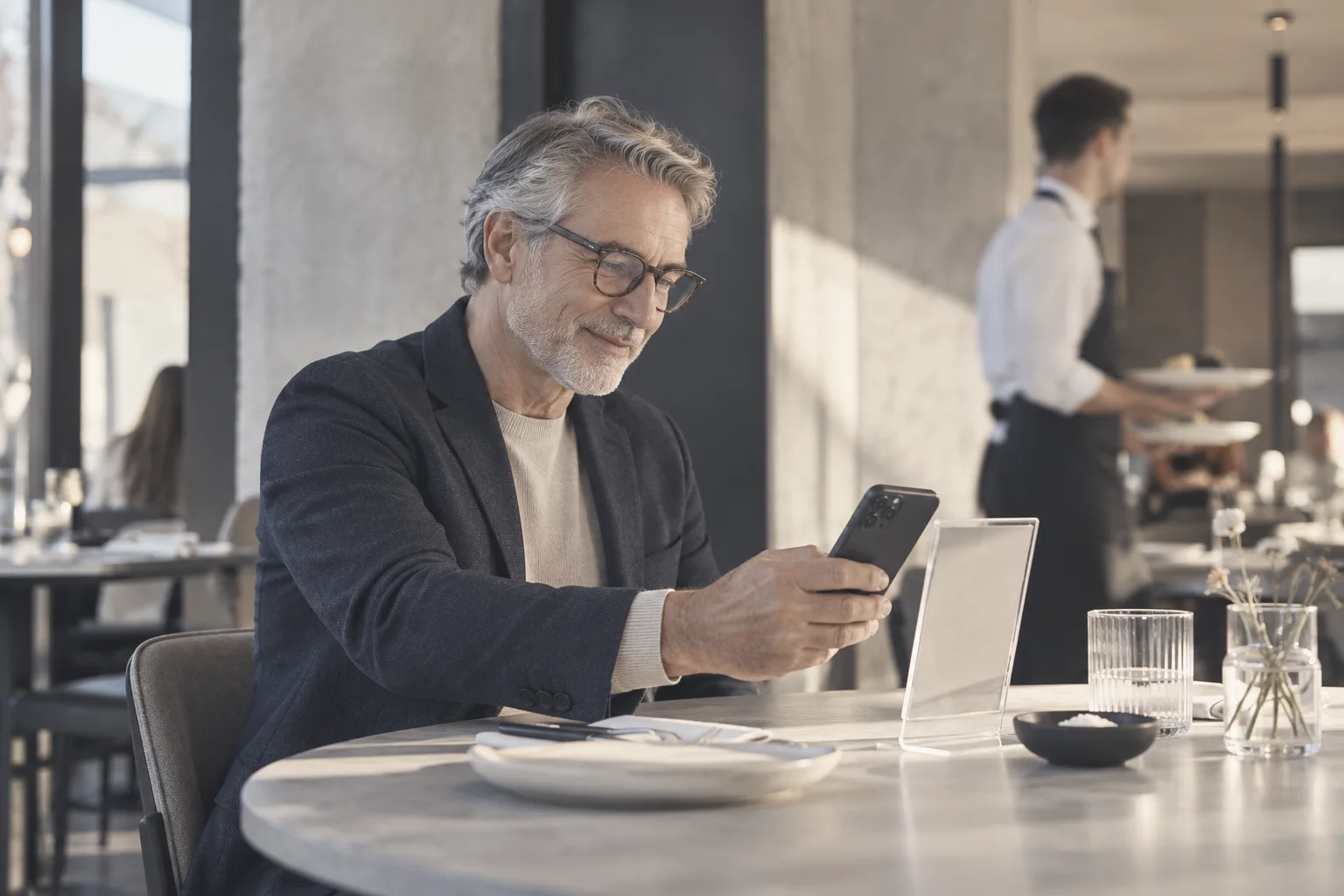
The basket grows at the table, your team stays with the guests.
A second dessert, a second coffee
Browsing a menu with photos at their own pace, guests add to the basket themselves.
Straight to the table's bill
Orders don't wait on a separate screen; the kitchen ticket prints just like any other order.
Call the waiter, ask for the bill
Requests appear on the table card at the POS with a sound alert, so tables turn faster.
Live order status
Guests follow received, preparing and ready on their own phones.
At the table in three steps.
- 1Switch on the serviceChoose whether orders go to the POS or to the waiter.
- 2Print the cardsDownload table cards with your logo as a PDF and put them on the tables.
- 3Start servingYour menu is already the menu on your POS; there is nothing extra to enter.
What is a QR code ordering system?
A QR code ordering system is software that lets guests scan the QR code on the table with their phone and place their own order from the menu. It is the QR menu ordering flow, connected to your POS.
In a venue with a table ordering system, guests don't wait for the waiter and the team doesn't rewrite the order. With sipnik Table, an order from the QR code is attached to the table's bill in sipnik POS, and the kitchen ticket prints the same way as any other order.
QR menu vs. QR code ordering: what's the difference?
A QR menu is often just a page to look at. In a QR code ordering system, the same QR code becomes a service.
- Guests build their basketThey send it, follow its preparation, call the waiter and ask for the bill.
- Lands on the table at the POSThe order doesn't sit on a separate screen waiting to be noticed.
- Four languages, table cardsWe cover the QR menu itself and the table cards on the sipnik Table page.
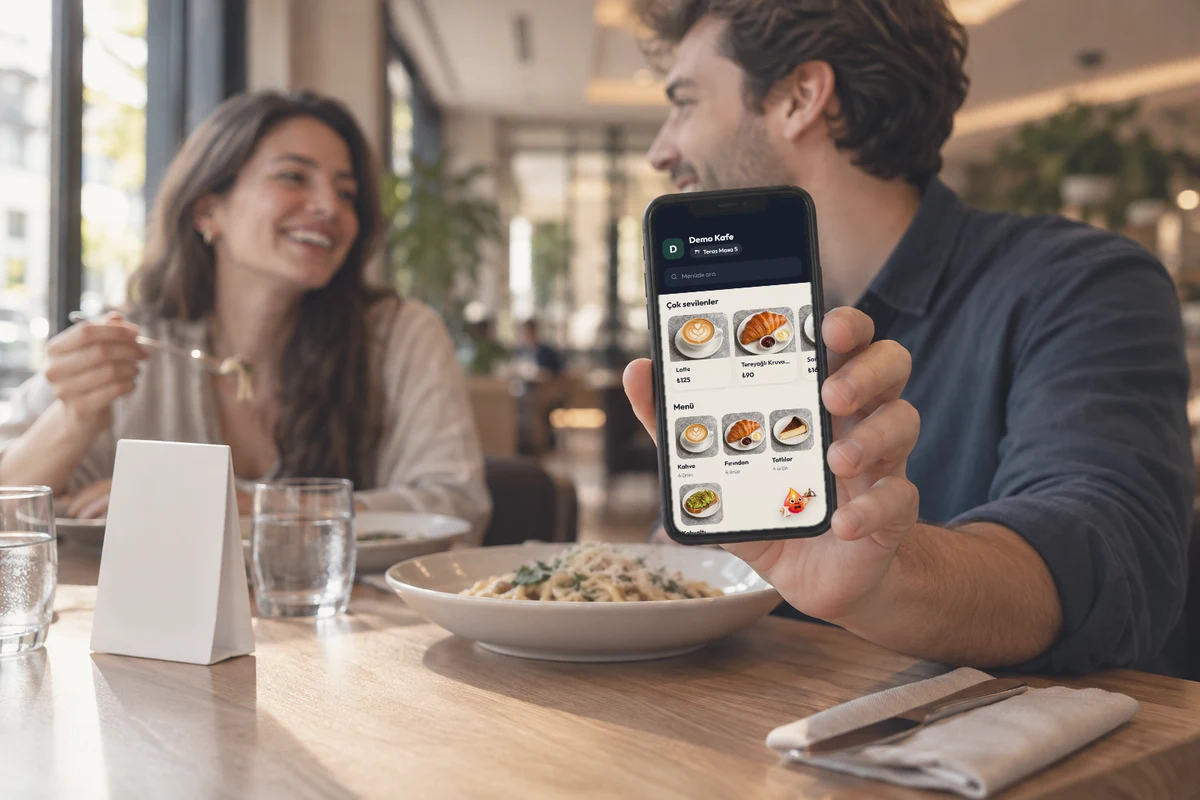
Should orders go to the POS or to the waiter?
That's your choice.
- Café without waitersRequests go to sipnik POS; the cashier checks the lines tagged "Table QR" and adds them to the bill with one tap.
- Restaurant or beach club with waitersThe request goes to the waiter's Android tablet; the waiter confirms it at the table and the order moves to the bill and the kitchen.
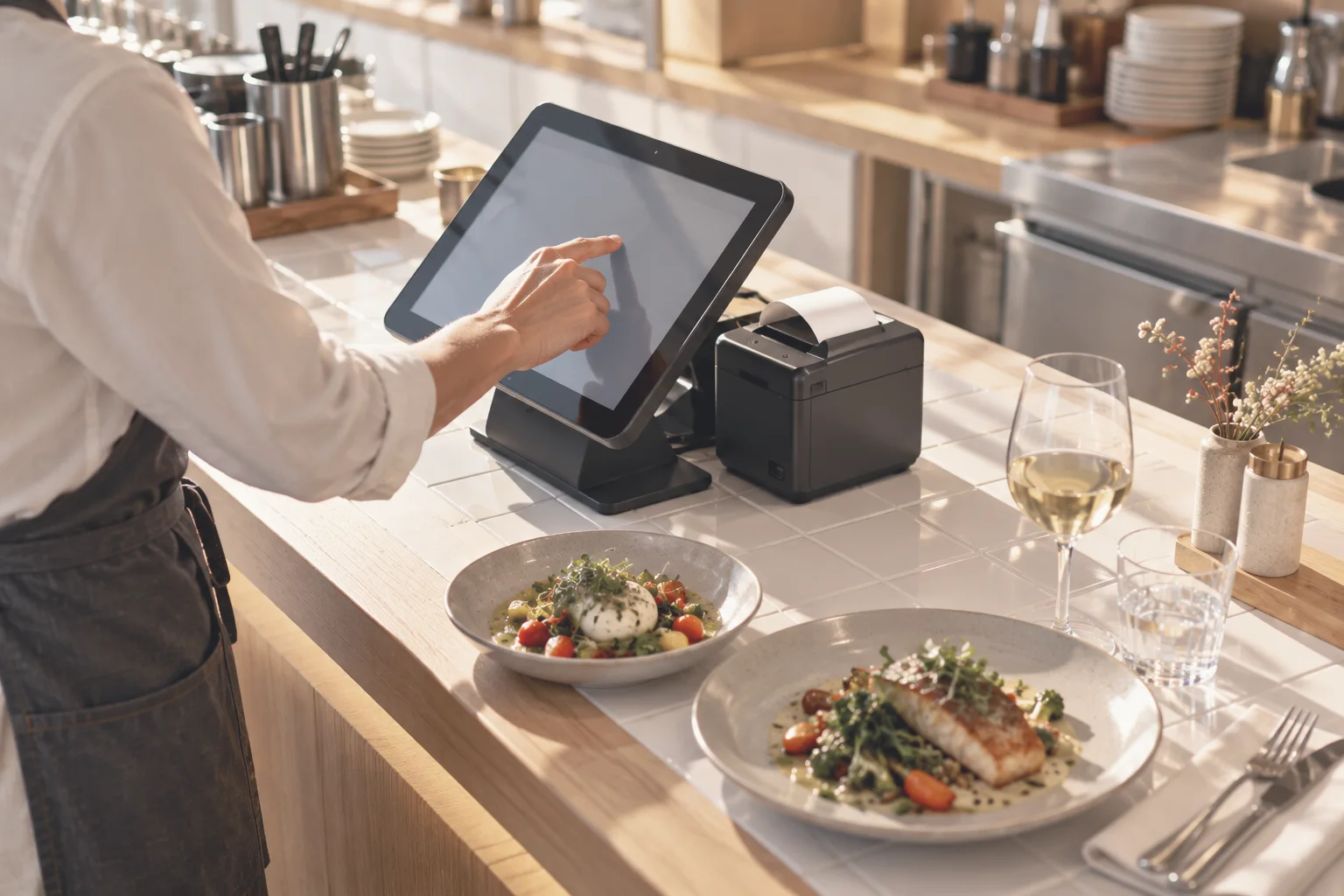
Does ordering without a waiter weaken service?
sipnik Table doesn't replace your staff; it frees them from carrying menus, writing down orders and "check, please" rounds.
One tap to the team
Waiter calls and bill requests appear above the table at the POS with a sound alert.
Your team gets back to the guests
There's time left for serving, clearing tables and looking after guests.
Live status
The "Your order is ready" message arrives even when the phone's screen is off.
Everyone at the table places their own order.
When a bill is opened at the table, a 4-digit table code is created; the code is also shown at the POS.
- Same bill with a codeFriends who arrive later join with this code and order from their own phones.
- "Yours" badgeEveryone sees the table's bill, with their own orders pinned at the top with a badge.
- The table moves, the phones move tooWhen tables are moved or merged, the phones switch to the new table.
- "Table QR" channelAll sales from the QR code show up separately in the sales report.

Paper orders vs. sipnik Table
Last updated: 4 November 2026
| Topic | Waiter and paper bill | sipnik Table |
|---|---|---|
| Taking orders | The waiter comes to the table and writes it down | The guest orders from the table, it lands at the POS |
| Menu accuracy | The waiter mentions sold-out items | Sold-out items are hidden automatically |
| Options and notes | Written down as heard | Passed to the POS exactly as the guest chose |
| Kitchen | Orders are passed on by hand | Kitchen tickets print by station |
| Calling the waiter and the bill | Raise a hand and wait | One tap, sound alert at the POS |
| Order status | Ask the waiter | Received, preparing, ready; live |
| Measurement | Not visible separately | "Table QR" channel in the sales report |
Questions
Do guests need to download an app to use the QR code ordering system?
No. Guests scan the QR code on the table with their phone camera; the menu, basket and bill open in the browser, and no sign-up is required.
Where does a QR code order go?
You choose: to the table's basket in sipnik POS or to the waiter's tablet. Either way, the order is added to the table's bill.
Do I need to prepare a separate menu for the QR ordering system?
No. sipnik Table uses the menu on your POS; price changes and sold-out items are reflected instantly.
When guests order at the table, do they also pay by phone?
No. Guests ask for the bill from their phone; payment is taken at the POS by cash, card, house account, wallet or split payment.
How do guests know their order is ready?
The bar at the top of the page shows received, preparing and ready live. Guests who allow notifications are notified even when their screen is off.
Which languages does the table ordering system support?
Turkish, English, German and Russian. Guests switch language with one tap.
How is the QR code ordering system priced?
Packages are priced monthly per location and differ by the number of POS terminals and waiter tablets. Details are on the Pricing page.