Delivery management software: food or groceries, every order on your POS.
For restaurants, cafés and grocery stores. Delivery orders from your brand's app, your ordering page and delivery platforms land on your POS with a sound alert, and a courier is assigned.
- Food and groceries
- Delivery zones
- Courier tracking
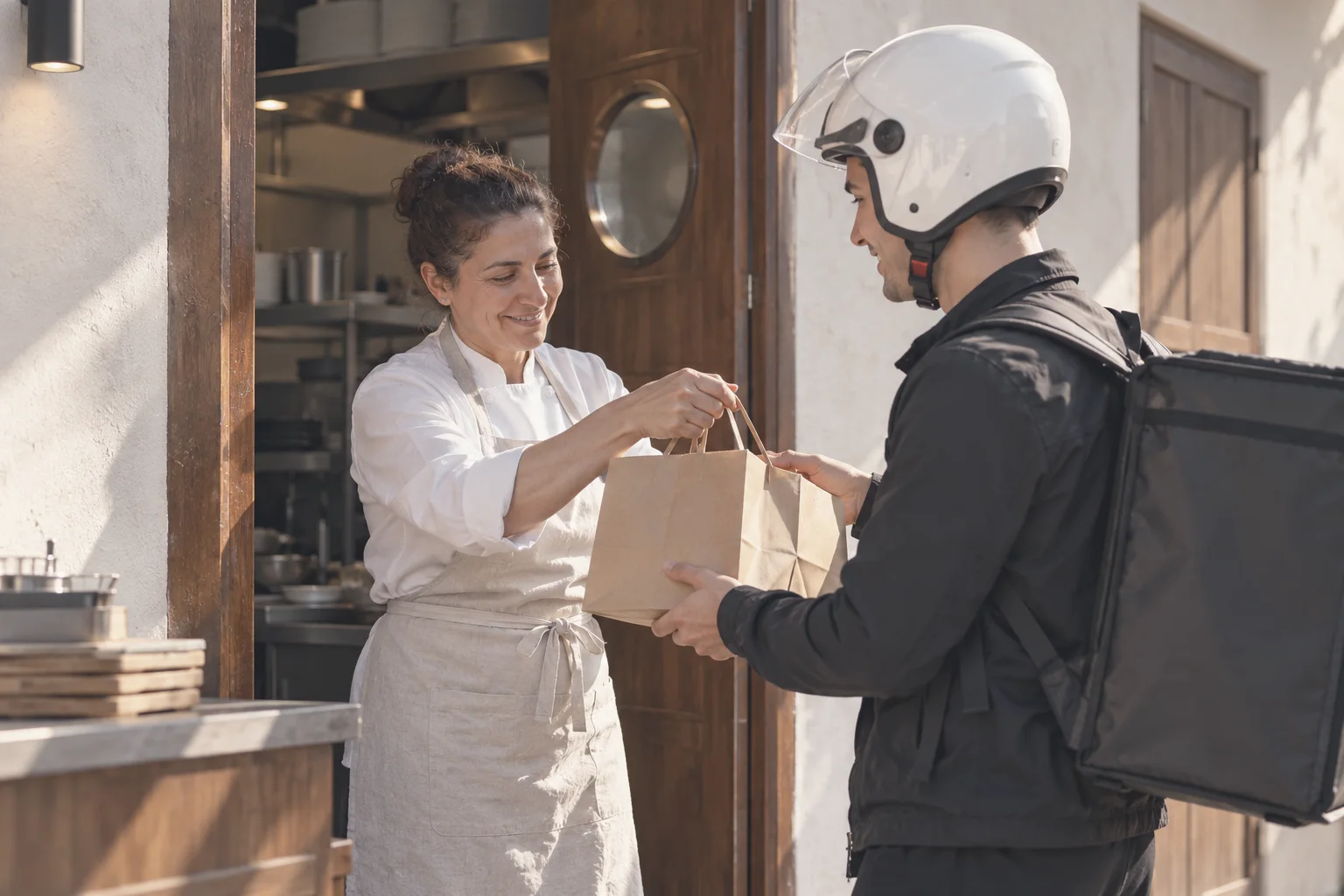
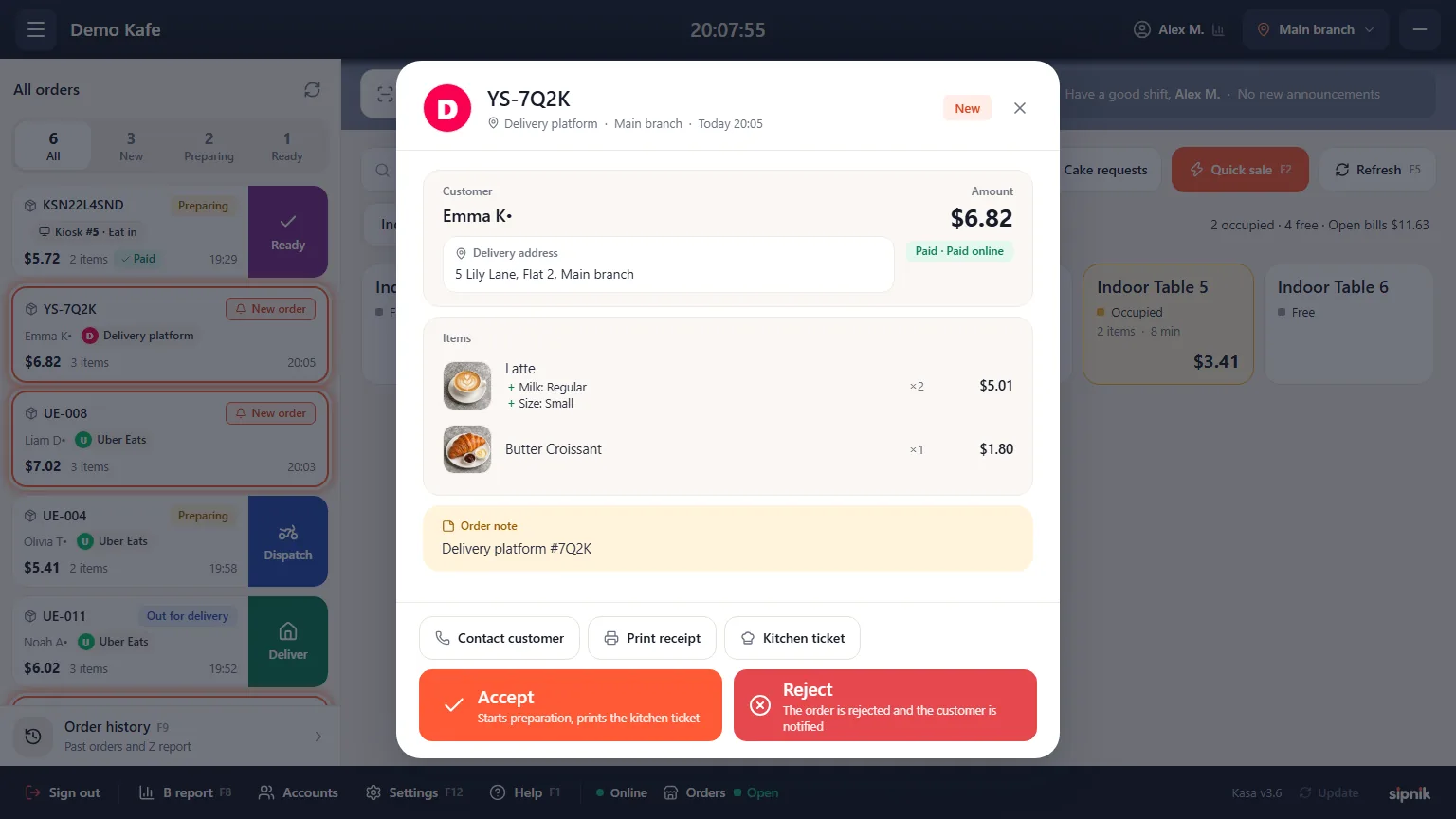
Orders land on the POS with a sound alert.
- Never missedNew orders trigger a sound alert and stay in the top bar until they're read.
- Kitchen ticket, automaticallyWith options and item notes, at the right station.
- Delivery zonesDelivery fee, minimum order and delivery time, zone by zone.
- Courier trackingA courier is assigned to the order; route and delivery are visible in the dashboard.
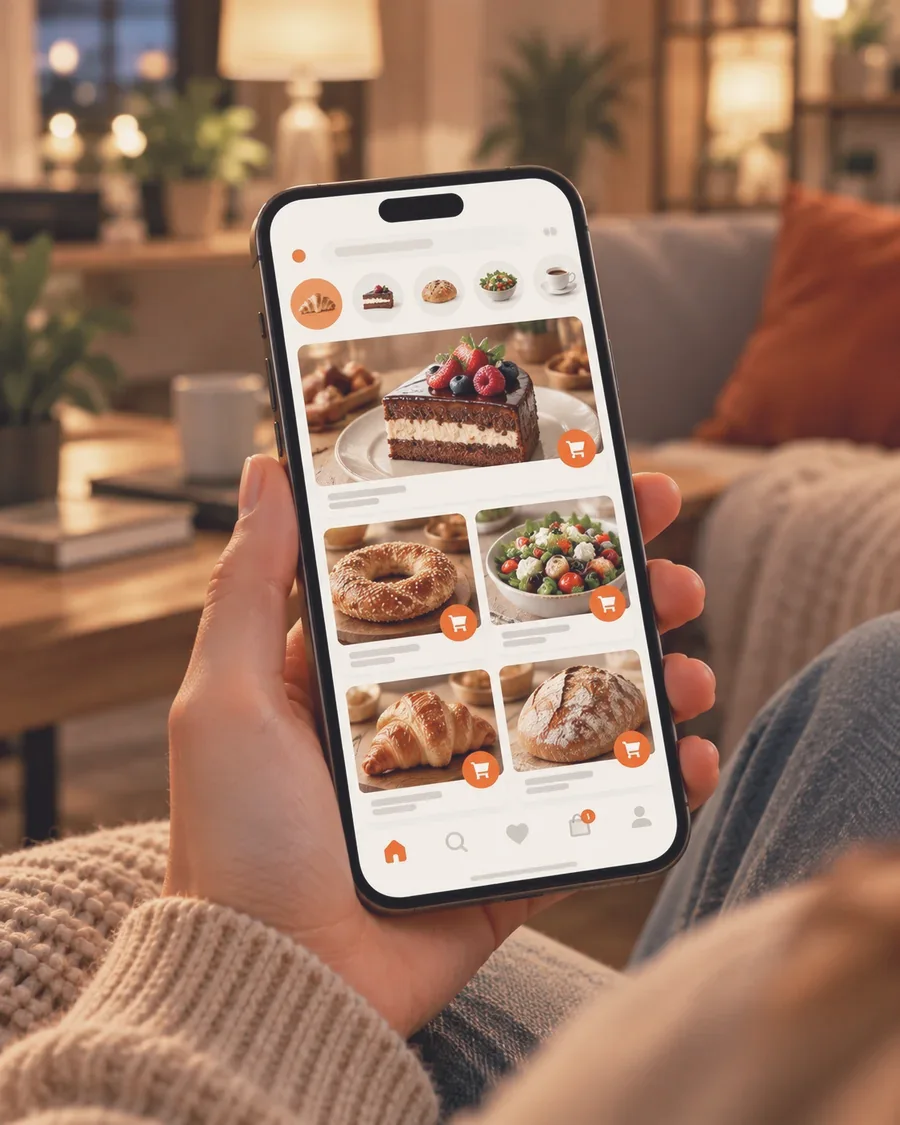
Every delivery is the start of the next order.
Your own app
With your name and logo; your customer data builds up with you.
Phone orders
Callers are recognized; their last address and directions are ready.
Stamps and wallet
Stamps are added on delivery orders too, and customers can prepay with the wallet.
Your own channel, in four steps.
- 1Menu and zonesYour menu is managed in the same place as your POS.
- 2Open your channelYour app and ordering page are ready.
- 3Orders land on the POSSound alert, kitchen ticket, courier.
- 4Bring customers backReach those drifting away with smart notifications.
What is delivery management software?
Delivery management software takes delivery and pickup orders and moves them to the POS, the kitchen or the store floor, and on to the courier. An online ordering and delivery system lets customers order from the business's own ordering page or app.
Good restaurant delivery software doesn't separate the two. With sipnik, orders come in through your brand's own channel and land in sipnik POS with a sound alert. Orders from delivery platforms land in the same list too.
Your own online ordering system: why does it matter?
When orders come through someone else's channel, the customer often stays in that channel.
- Your customer dataNames, addresses and order history build up in your own customer data.
- A relationship under your nameYou give stamps, send birthday greetings and send notifications under your own name when customers drift away.
- Neighborhood analysisShows how many orders and customers you have in each neighborhood, and the untapped potential.
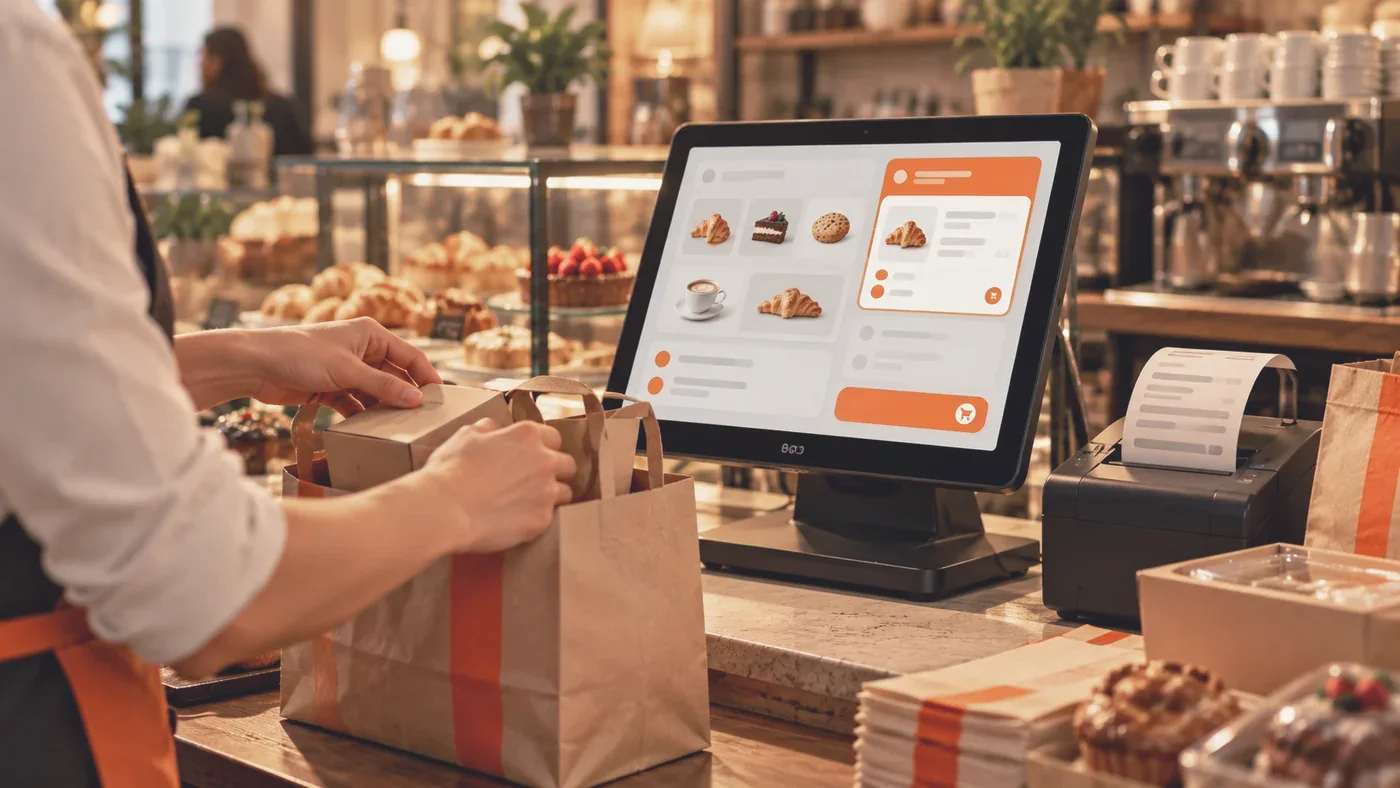
Restaurant delivery software: how does it work in the kitchen?
Counter, dine-in, pickup and delivery flow through the same POS; your team doesn't watch a separate screen.
- Sound alertThe order stays in the top bar until it's read.
- Ticket, automaticallyOrders arrive with product options and item notes, and the customer is notified of the preparation status.
- One menuMenu, prices and sold-out items are managed in the same place as the POS.
- Reports by channelDelivery, pickup and dine-in are separated in the sales report.
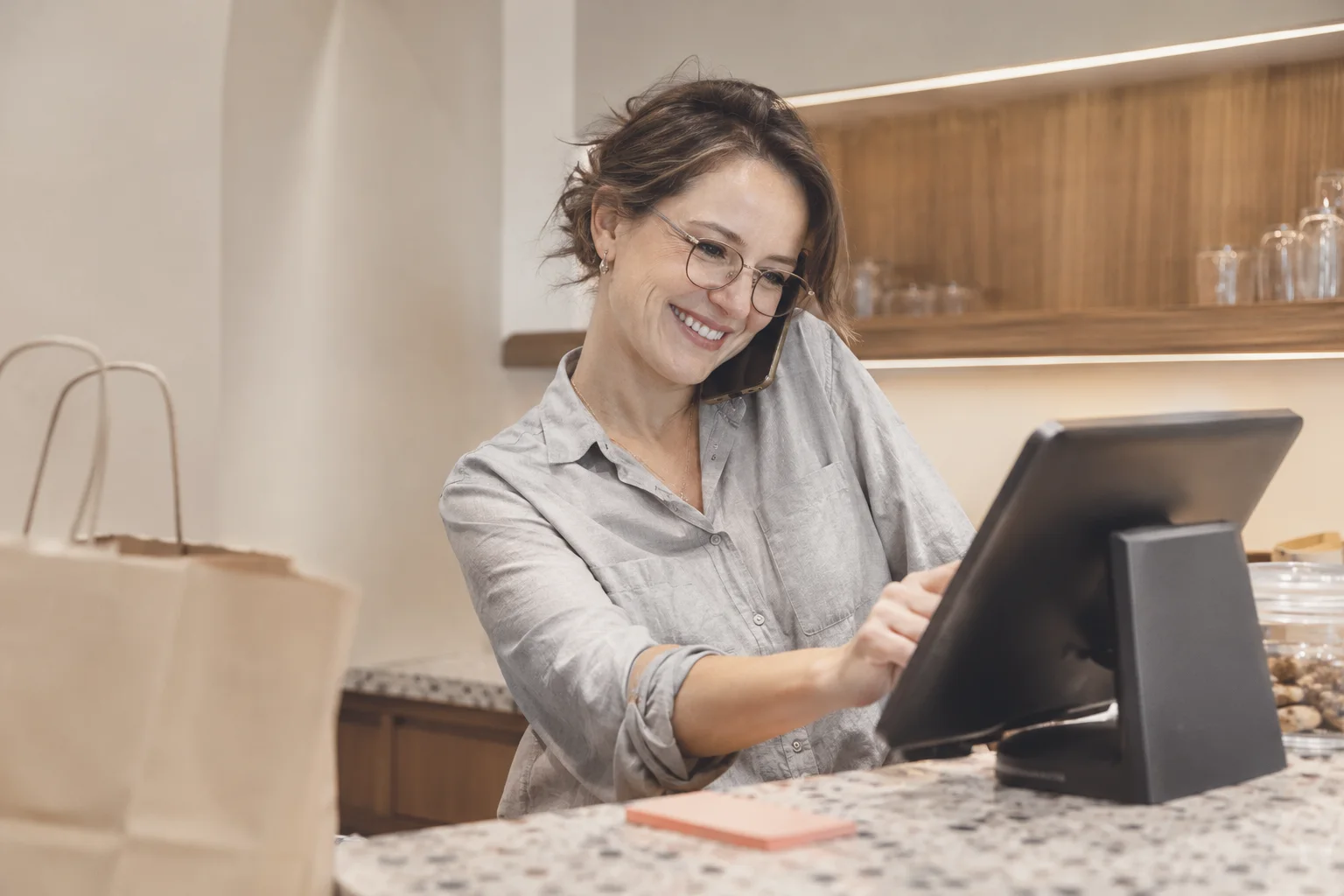
Delivery orders by phone.
In many businesses, the phone is still a channel for delivery orders.
- Number on screenWhen the phone rings, the caller's number appears on the sipnik POS screen.
- Address readyA registered customer's name, last address and directions come up.
- Send it, assign a courierMark cash or card on delivery and send the order. It sits on the same POS and in the same customer record as app orders.
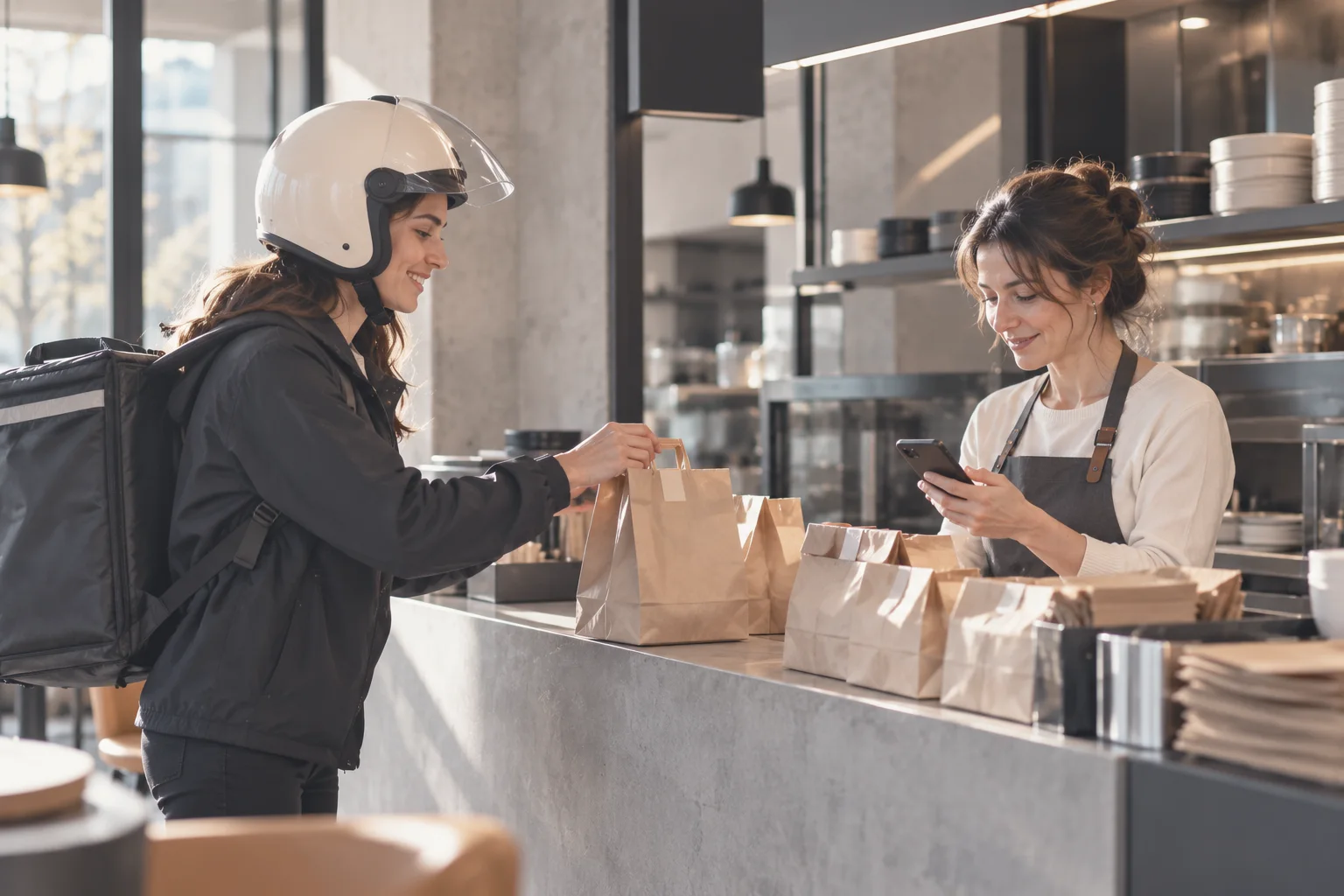
Pickup orders and wallet payments.
Customers order and pay in the app on the way, then pick up at the branch; no queuing.
- The money is already yoursWhen a customer pays with the digital wallet, the amount reached your payment gateway the moment they topped up their balance.
- Stamps are addedIf there's a perk discount, it shows as a separate line in the basket.
- Campaigns for those drifting awaySend a campaign by smart notification to customers who haven't ordered in a while.
Scattered delivery orders vs. sipnik delivery management software
Last updated: 4 November 2026
| Topic | Phone, notebook and separate screens | sipnik |
|---|---|---|
| Order channel | Phone and messages, scattered | Your brand's app, ordering page and phone on one POS |
| Noticing the order | Separate screen or notebook | Sound alert, stays in the top bar until read |
| Kitchen | Order passed on by hand | Kitchen ticket prints automatically |
| Delivery zone | From memory, asked on every order | Fee, minimum order and time, zone by zone |
| Courier | Asked by phone | Assigned to the order; route and delivery in the dashboard |
| Customer data | In a notebook or nowhere | In your customer data; stamps and notifications |
| Reports | By hand at the end of the day | By channel; PDF and Excel |
Questions
Can I use sipnik as delivery management software?
Yes. A branded ordering page and app, delivery zones, sound-alert orders at the POS, kitchen tickets and courier tracking work in a single flow.
Do orders from delivery platforms also land on the POS?
Yes. Orders from delivery platforms connected to sipnik land in the same list on the POS.
Can I set delivery fees by zone?
Yes. You define delivery zones area by area and give each a fee, minimum order and delivery time; no orders come in from outside your zones.
Does the delivery software include courier tracking for my own couriers?
Yes. You add your couriers in the dashboard, assign them to orders and track route and delivery through the courier app.
How do pickup orders work?
Customers order and pay in the app, then pick up at the branch. The order lands on the POS with a sound alert, and the customer doesn't queue.
How does switching to the delivery management software work?
We set up your menu and delivery zones and train your team. Packages are priced monthly per location; see the Pricing page for details.