Turn your screens into a channel. sipnik TV plays your menu, campaigns and videos on your venue's TVs like a real TV channel. Change a price at the POS and the screen changes too.
- Android TV and Google TV app
- Other screens: tv.sipnik.com in the browser
- Portrait and landscape screens
A 24-hour schedule. On its own.
Pick your content; sipnik TV spreads it across the hours of the day.
- DaypartsDifferent content for morning, noon, afternoon, evening and night: breakfast in the morning, desserts in the afternoon.
- Scheduled breaksSpecific content at a specific time: happy hour at 5 pm, lunch menu at noon.
- Auto shuffleThe list mixes itself, so nothing gets repetitive.
- Just like a real channelYour logo and the time in the corner; what's next between items.
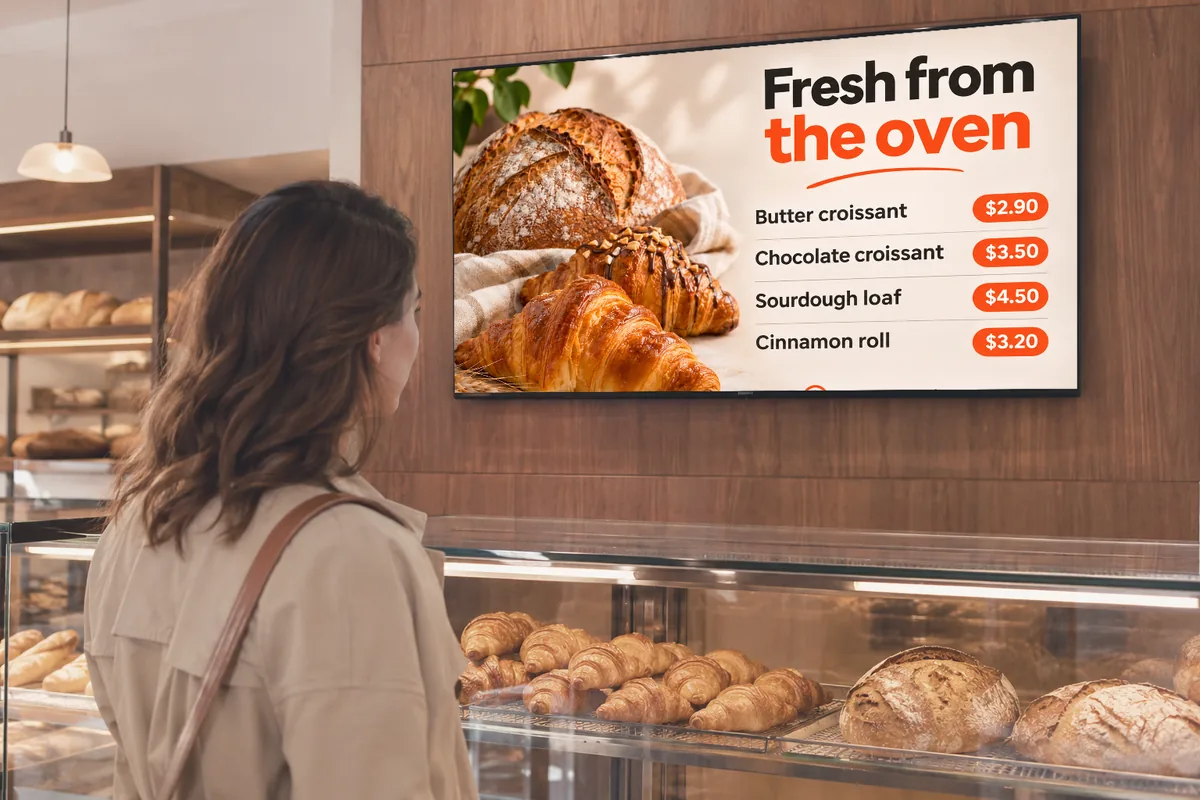
Ready-made templates. Live in minutes.
No designer needed: pick a template, select the product, go live.
Featured product
One product with a large photo; price and sold-out status from the POS.
Products side by side
1, 2, 3 or 4 products; the screen splits by how many you pick.
Menu board
A category's items and prices; fills the screen to fit the number of items.
Campaign
The campaign you choose; drops off the air by itself when it ends.
Happy hour
“On now” while it runs, the start time when it doesn't.
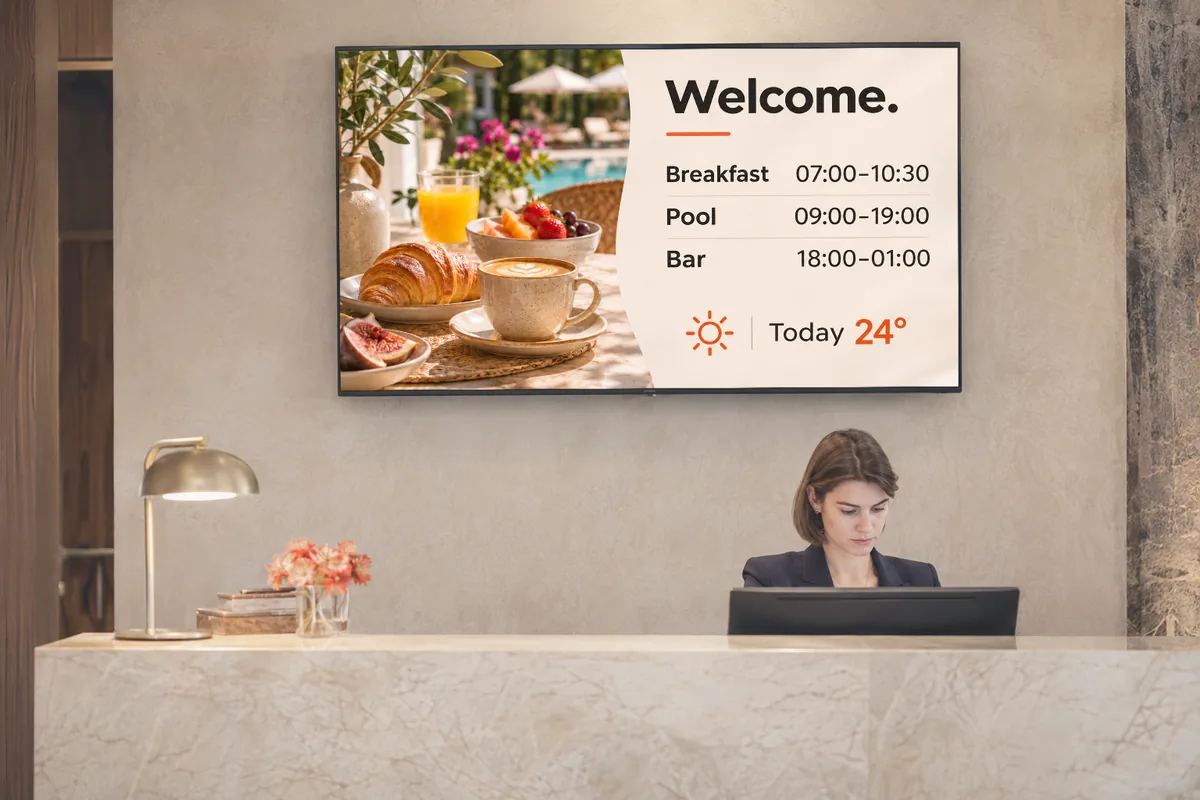
Wi‑Fi and QR
Network name and password; scan the QR to connect. App, review and WhatsApp QR codes are ready too.
Weather
Today and tomorrow for your branch's location.
Event
Counts down the days; drops off after the date.
Change the price at the POS, and on screen.
The menu on screen is the menu in sipnik POS.
- Live pricesChange a product's price in the panel; screens update within seconds.
- Sold outAn out-of-stock product shows “Sold out” and returns when it's back.
- Campaign datesExpired campaigns and past events are skipped.

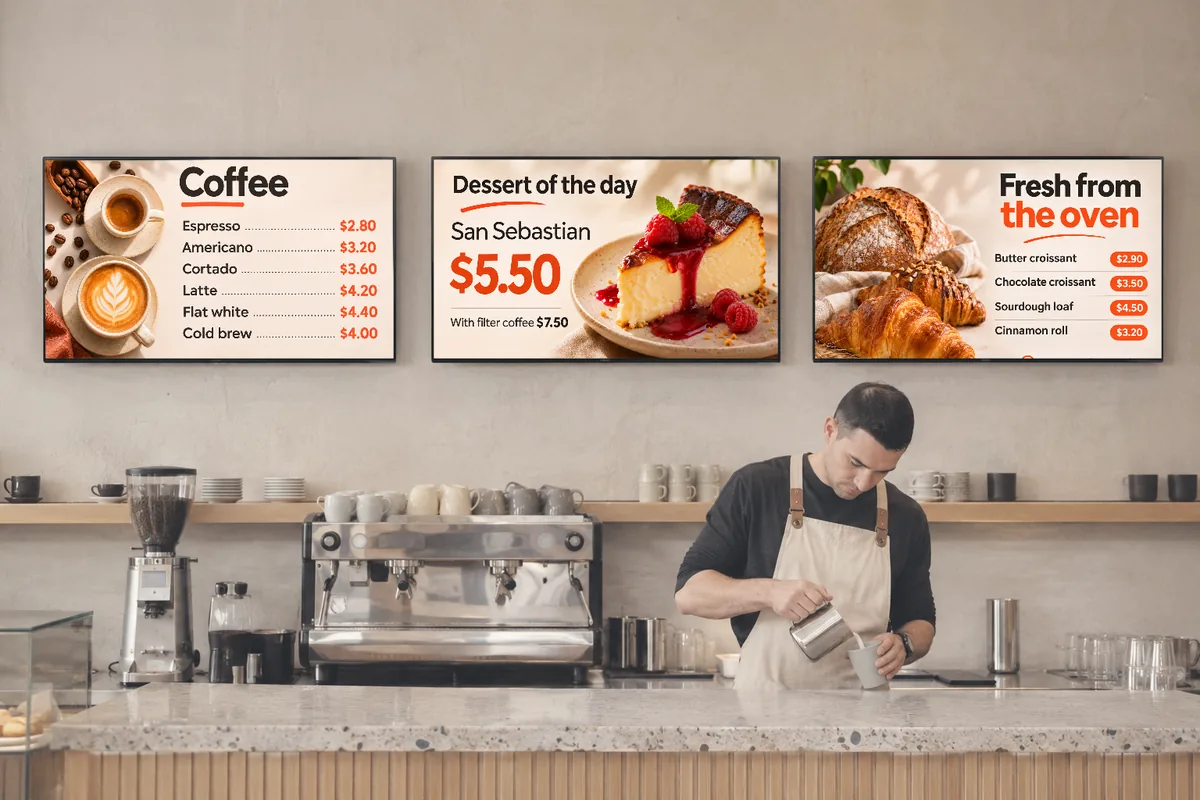
Screens side by side, one picture.
Group the screens behind the bar; they broadcast together.
- SpanA video or image spans all screens as one; crop, stretch or fit.
- DistributeDifferent content on each screen, all changing at once.
- Wave transitionThe change flows left to right, screen by screen.
- ScenesWhich content on which screen: drag and drop.
- To the secondGrouped screens play by the same clock; one that restarts catches up.
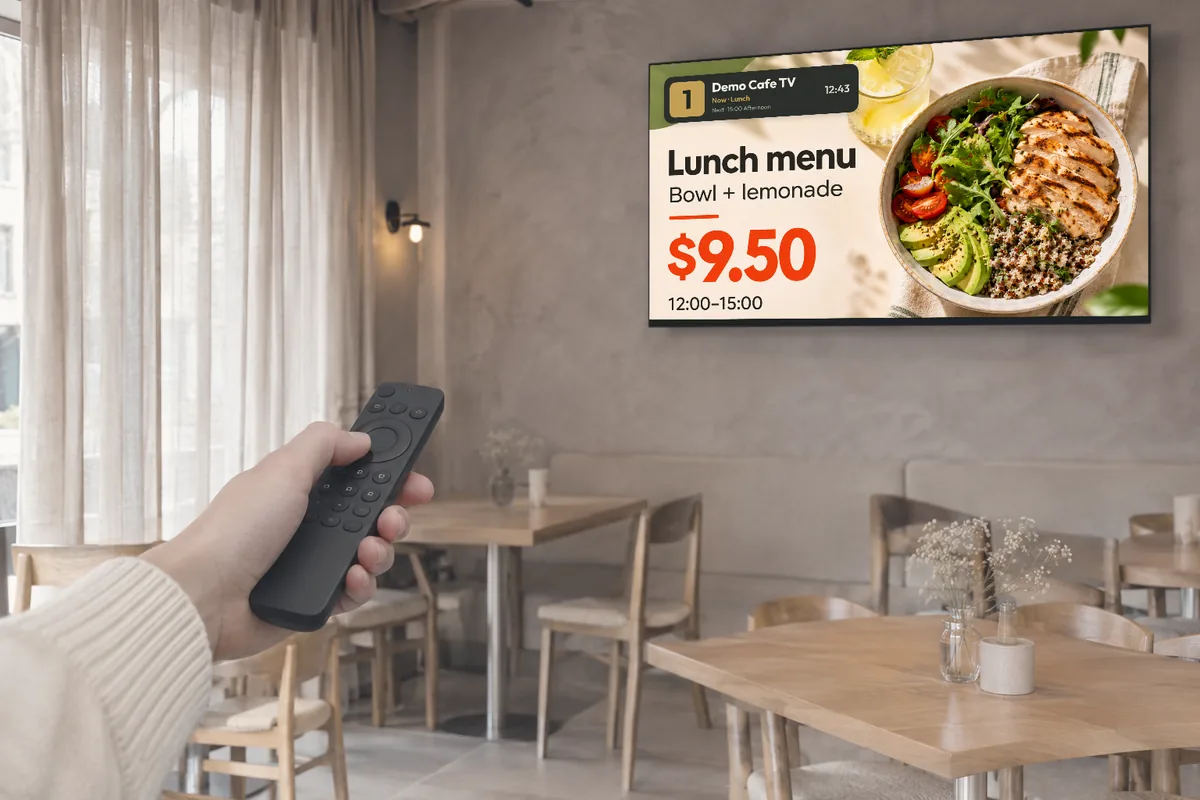
Switch channels with the remote.
- Multiple channelsBreakfast, match day, evening; each screen on the channel it needs.
- Up, down, 1–9Change channels with the remote's buttons; the info bar shows what's on now and next.
- Groups switch togetherChange the channel on one screen in a group and all switch with it; the choice is saved.
Every kind of content.
Video
Your own promo videos, downloaded to the screen and played.
Image
Posters, campaign visuals, photos.
YouTube
Paste the link; plays muted, without captions.
Live stream
Live streams via an HLS link; royalty-free stream suggestions in the panel.
The show goes on, even offline.
- Stored on the screenThe channel's videos and images are saved on the screen and play from there when the connection drops.
- Recovers on its ownWhen the connection is back, it picks up changes from the panel and carries on.
- Remote monitoringSee in the panel which screen is on and what it's playing; screenshot in one click.
- Updates itselfThe app and player get new versions by themselves and start when the TV turns on.
On air in three steps.
- 1Open the appsipnik TV from Google Play on Android TV; tv.sipnik.com in the browser on other screens.
- 2Enter the codeType the 6-digit code from the screen under Add screen in the panel, or scan the QR with your phone.
- 3Choose the channelAdd your content; the schedule builds itself.
Questions
What is sipnik TV?
A digital menu board and screen broadcasting system that turns your venue's TVs into a channel you control. Pick menus, campaigns, videos and templates in the my.sipnik.com panel; screens play them automatically on a 24-hour schedule.
Which screens does it work on?
On TVs and boxes with Android TV or Google TV via the sipnik TV app on Google Play; on other screens by opening tv.sipnik.com in the browser. Screens can be portrait or landscape.
Where do the prices come from?
From the menu in sipnik POS. When a price changes or a product sells out, screens update within seconds.
What happens if the internet goes down?
The channel's videos and images are stored on the screen, so the broadcast continues. When the connection returns, the screen picks up changes from the panel.
Are side-by-side screens really in sync?
Yes. Grouped screens play by the same clock; content can span all screens, or each screen can get its own. A screen that restarts catches up with the group.
Can YouTube videos be shown?
Yes, just paste the link; the video plays muted. YouTube videos don't span across screen groups.
Does it start when the TV turns on?
The Android TV app starts automatically when the TV turns on; permission is asked once during setup. The app also gets new versions by itself.